
Copy text from your camera.
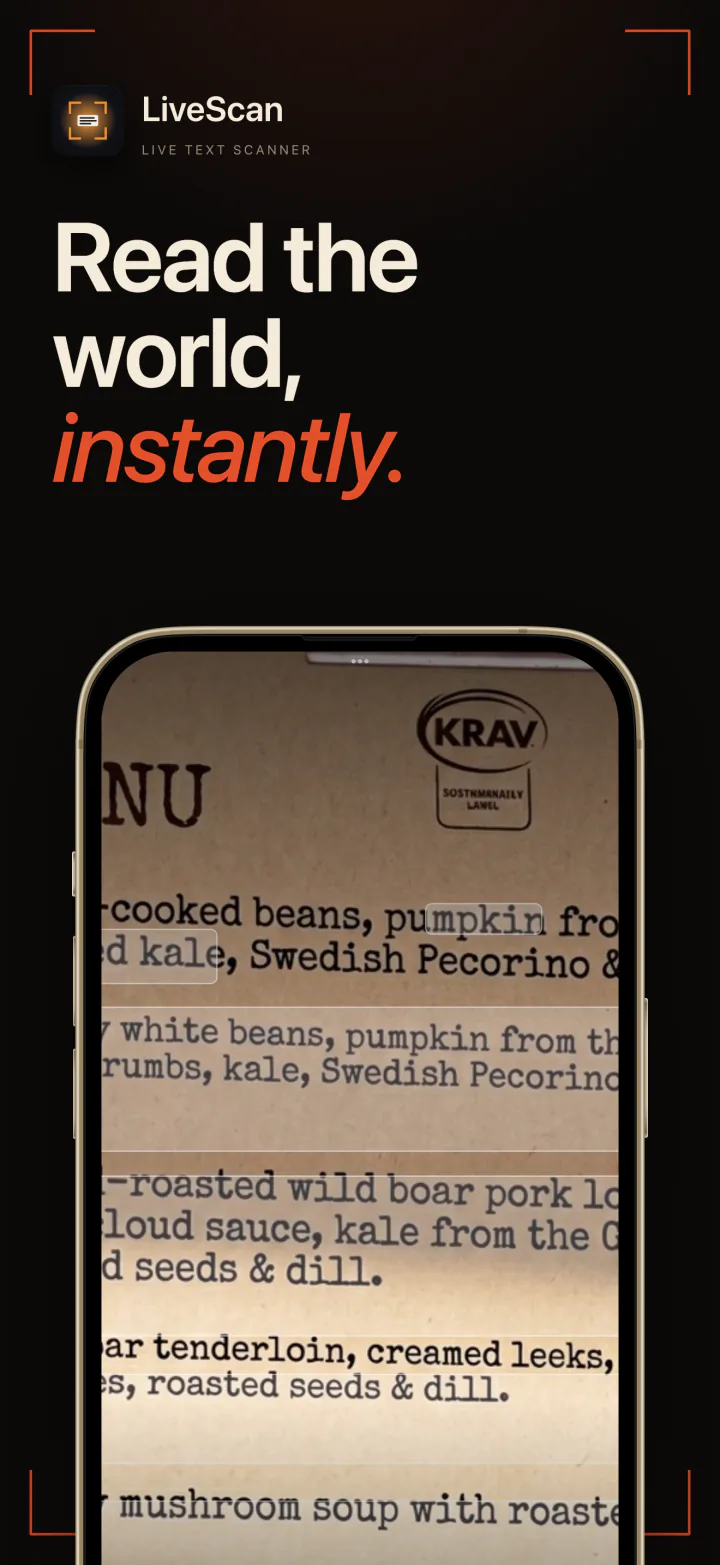
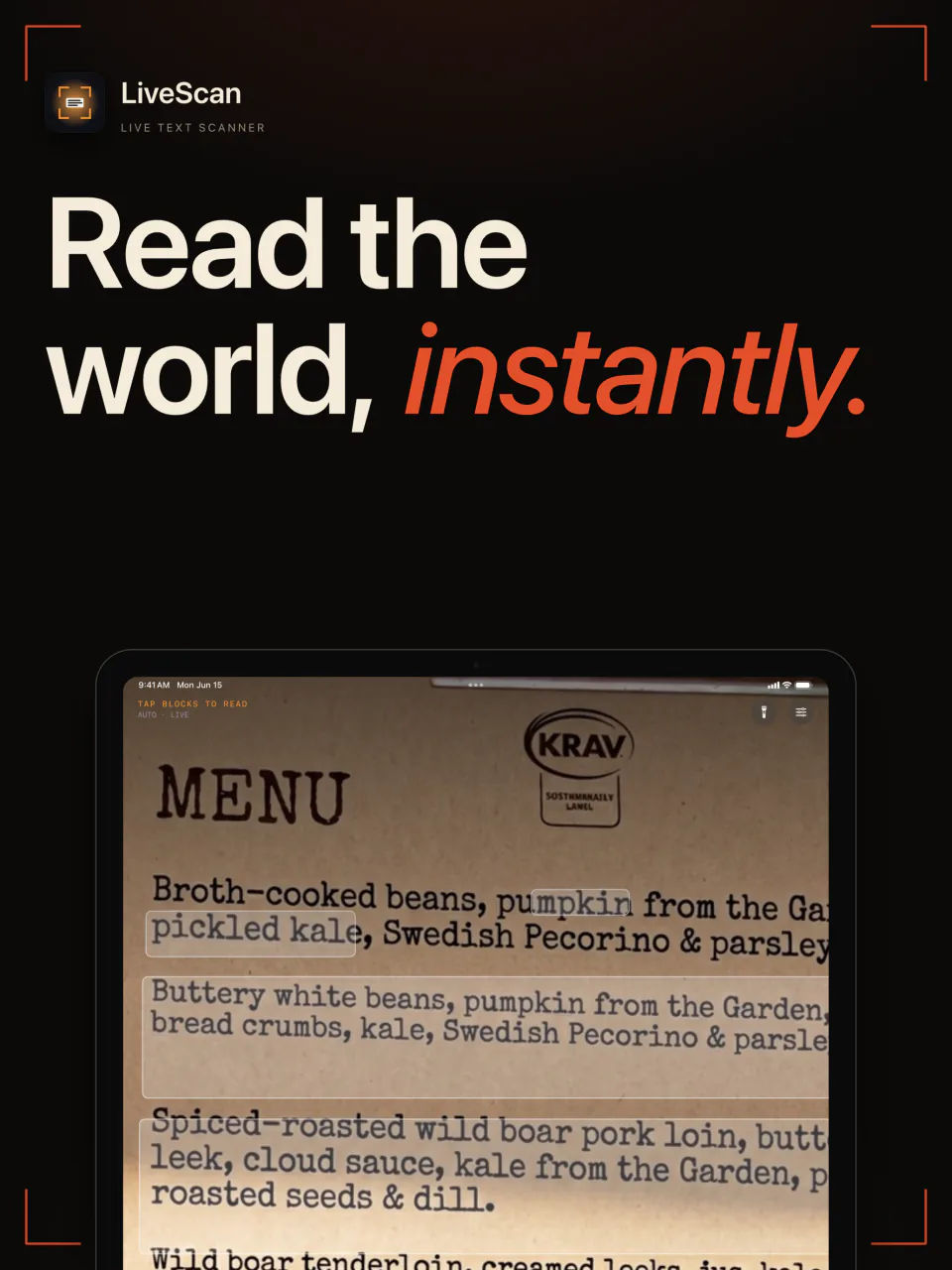
Point your iPhone at a sign, a menu, a receipt, or a page. LiveScan highlights the text as you aim, and one tap captures it, ready to copy.
Free to start · iOS 18+
Read the world, instantly.
Live in the viewfinder
Point your iPhone at a sign, a page, or a label and the text lights up on screen as you aim. Tap to capture it. There is no photo to take and crop first.
Text that reads cleanly
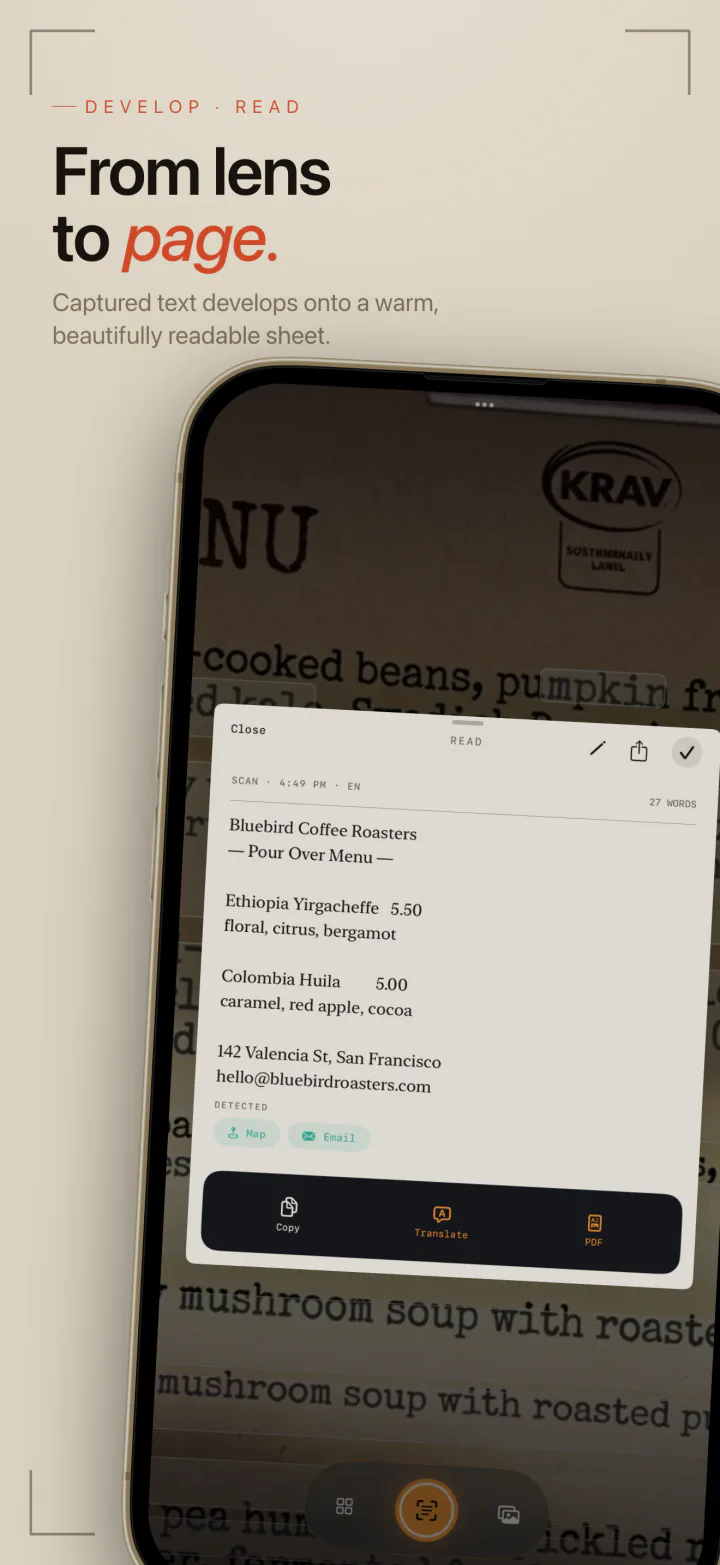
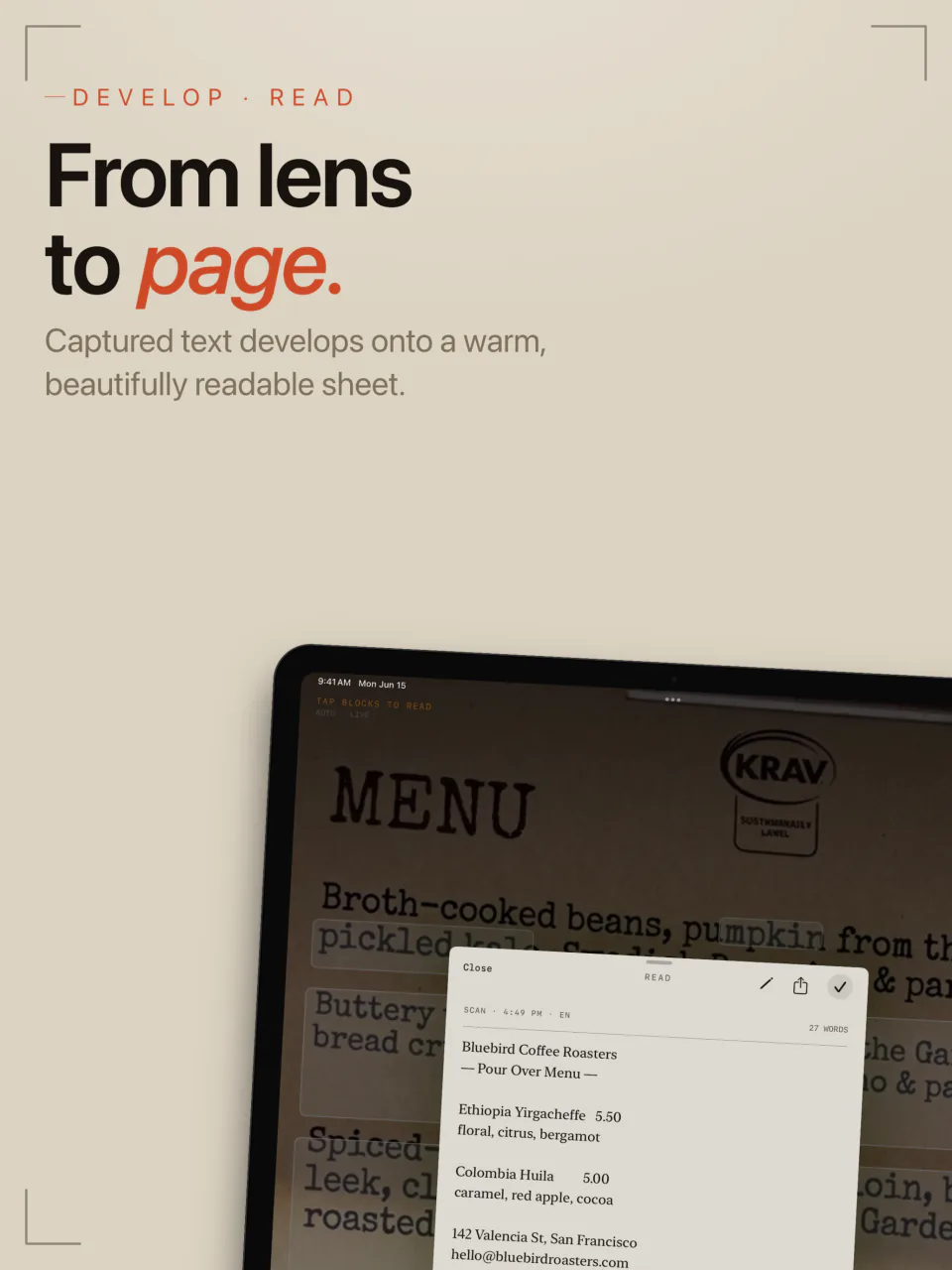
Captured text lands on a warm, readable sheet. Words split across two lines are joined back up and stray gaps are tidied, so what you copy is ready to paste.
On your iPhone, nothing sent
Text is read on your device. There are no servers, no account, no tracking, and no ads, and your scans stay on your iPhone.
Stop typing what you can see.
Any printed text your camera can see, you can copy. These are the jobs people open LiveScan to do.
Wi-Fi passwords and serial numbers
Copy the long code off the back of a router or a device label instead of typing it in by hand.
Menus and signs abroad
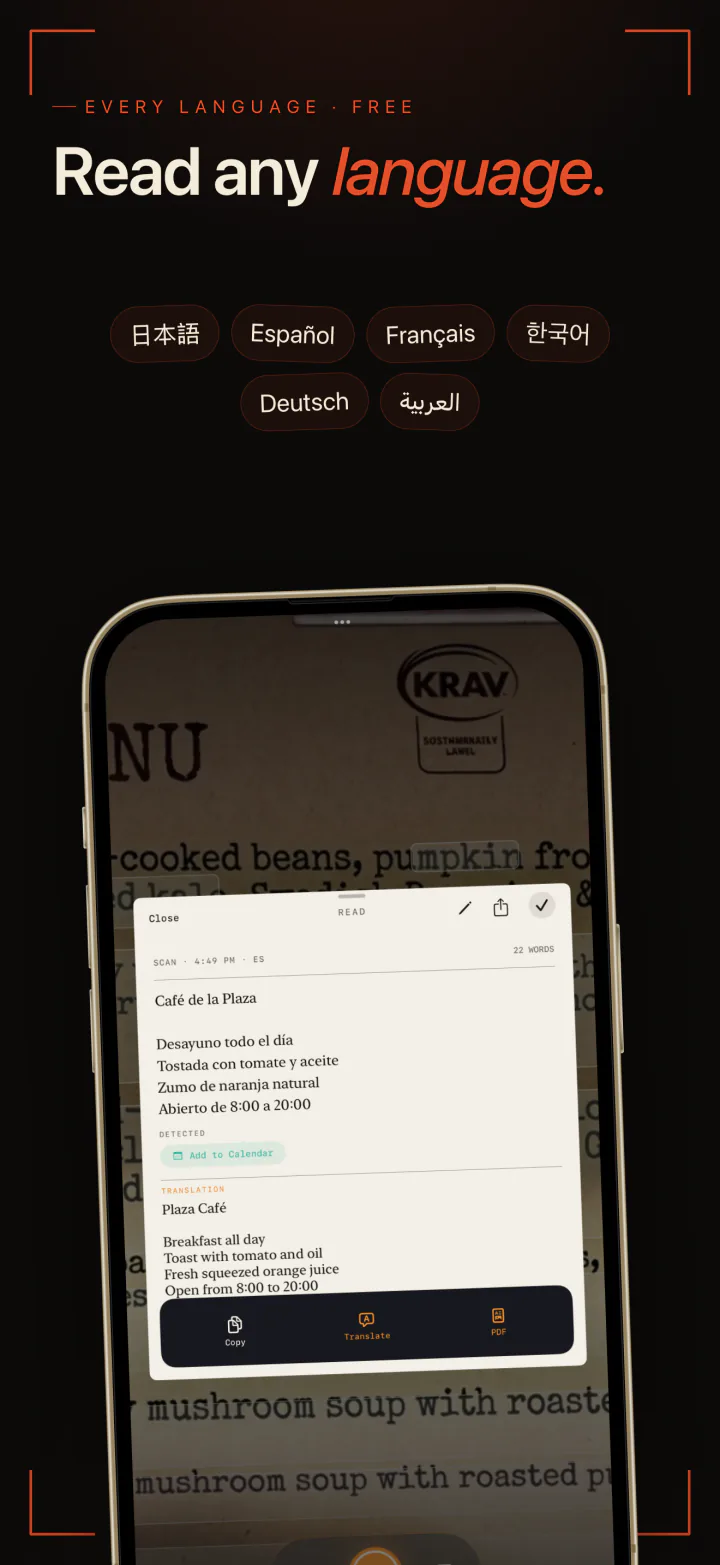
Read a menu or a sign in another language, and with Pro translate it on the spot with no data plan.
Business cards
Capture a card in one go. With Pro, tap the phone number to call, the email to write, or the address to open in Maps.
Receipts for expenses
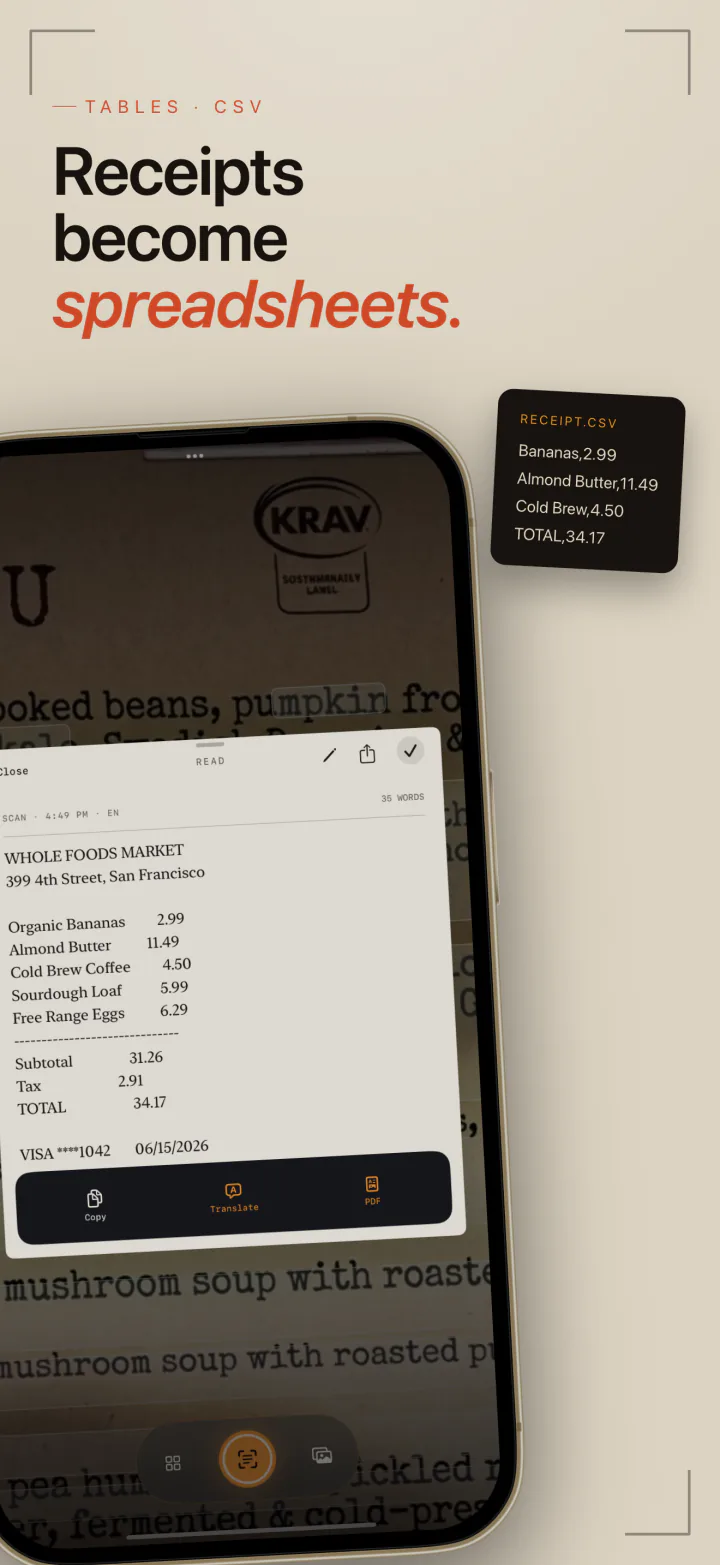
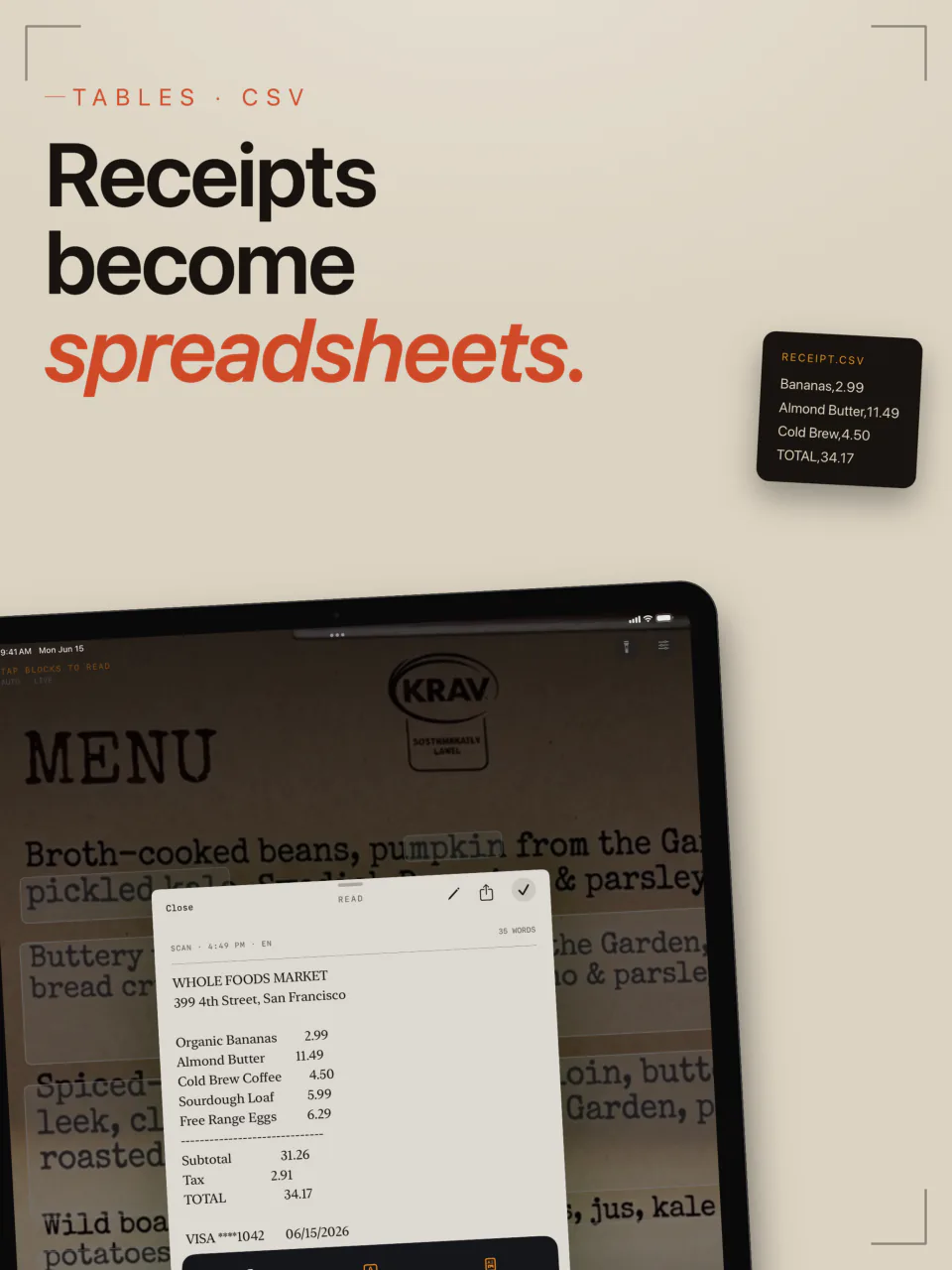
With Pro, LiveScan rebuilds a receipt or a printed table as rows and columns and exports it as a CSV file for a spreadsheet.
Quotes from a book
Grab a passage from a printed page and paste it into your notes, with the line breaks already fixed.
Slides and handouts
Capture the text of a slide at a talk or a printed handout, and keep it in your scan history to find later.
More than a copy button.
Scan from your photos
Already took a picture? Open it from your photo library and LiveScan reads the text in it the same way.
Every language, free
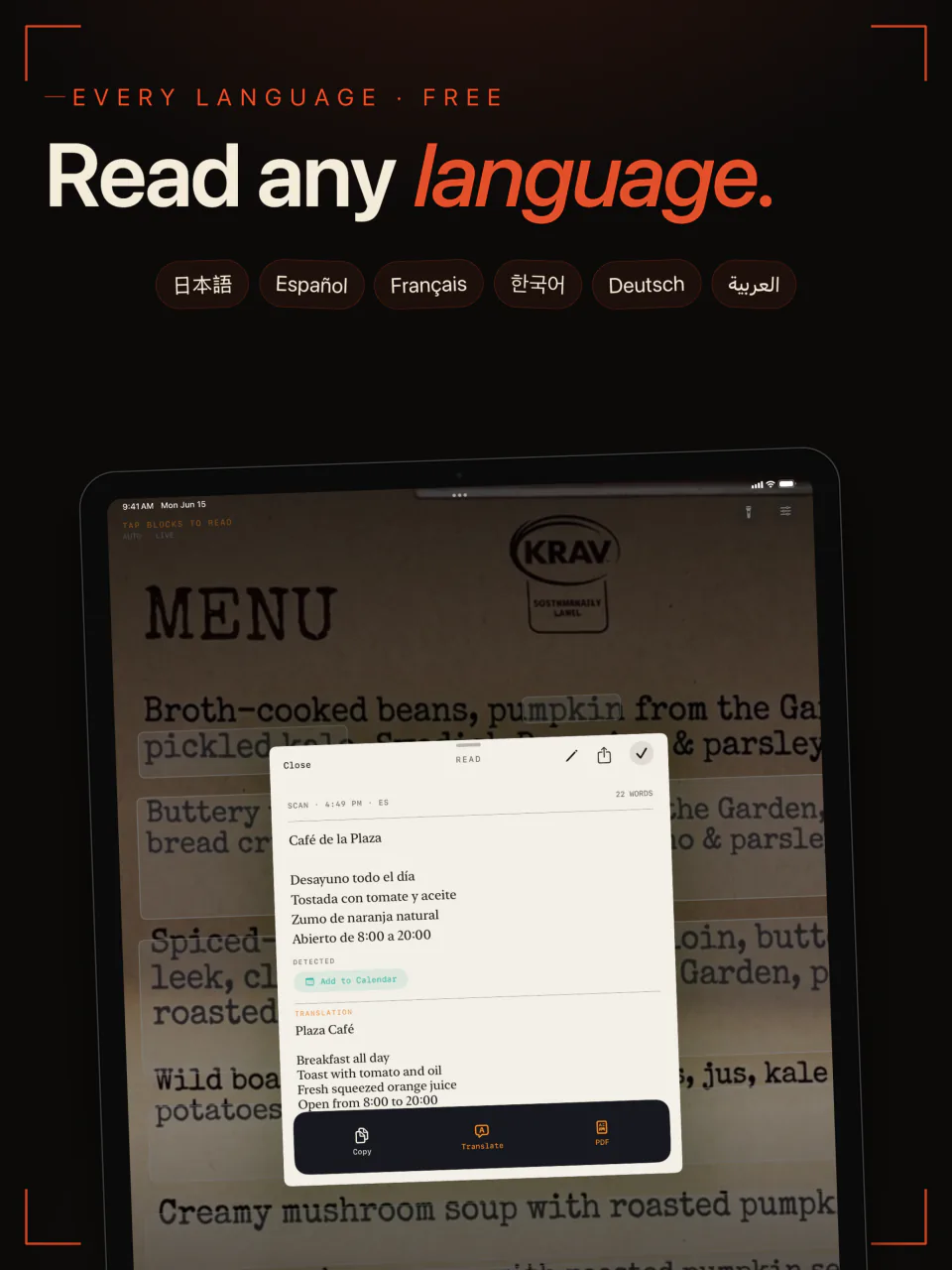
LiveScan recognizes more than 15 languages at once on the free plan. Pin the languages you read most for extra accuracy.
QR codes and barcodes
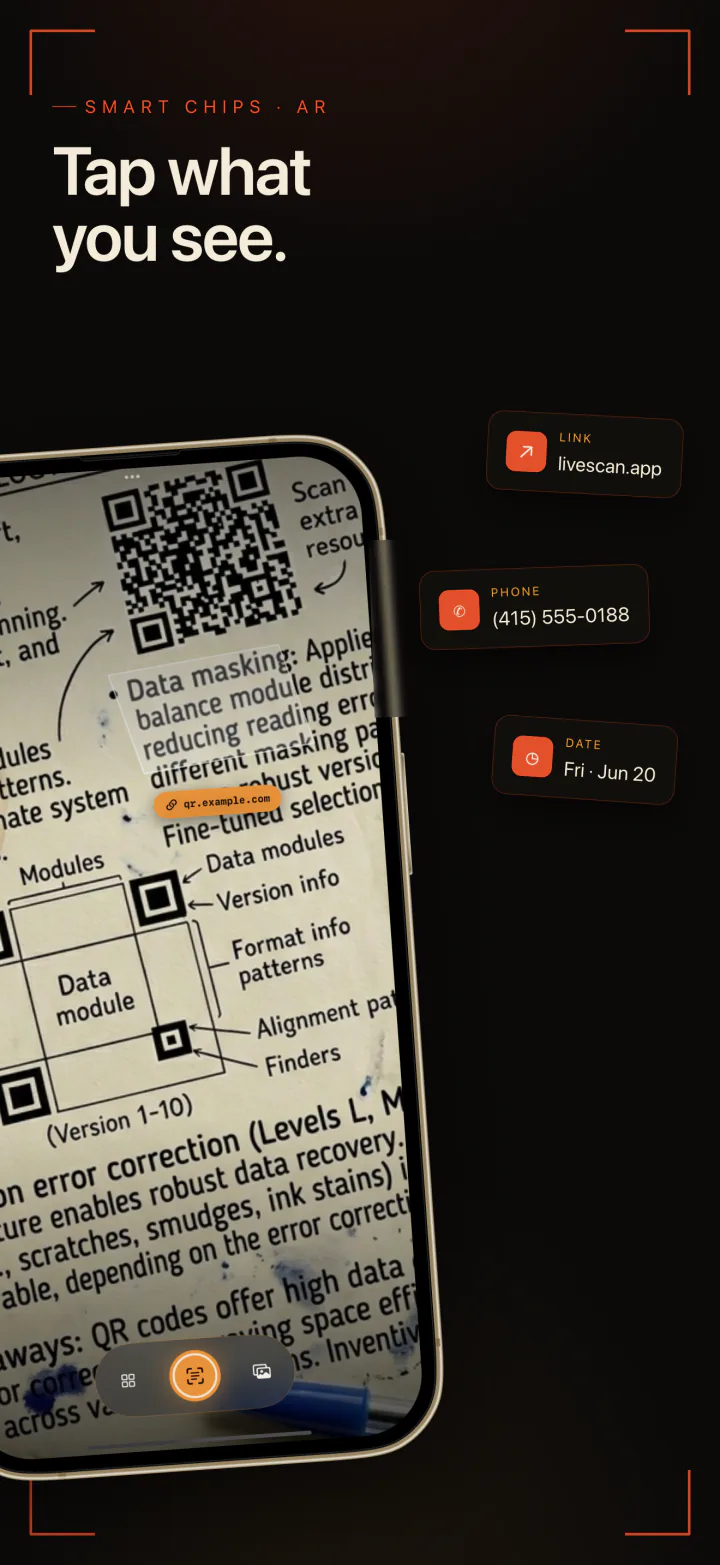
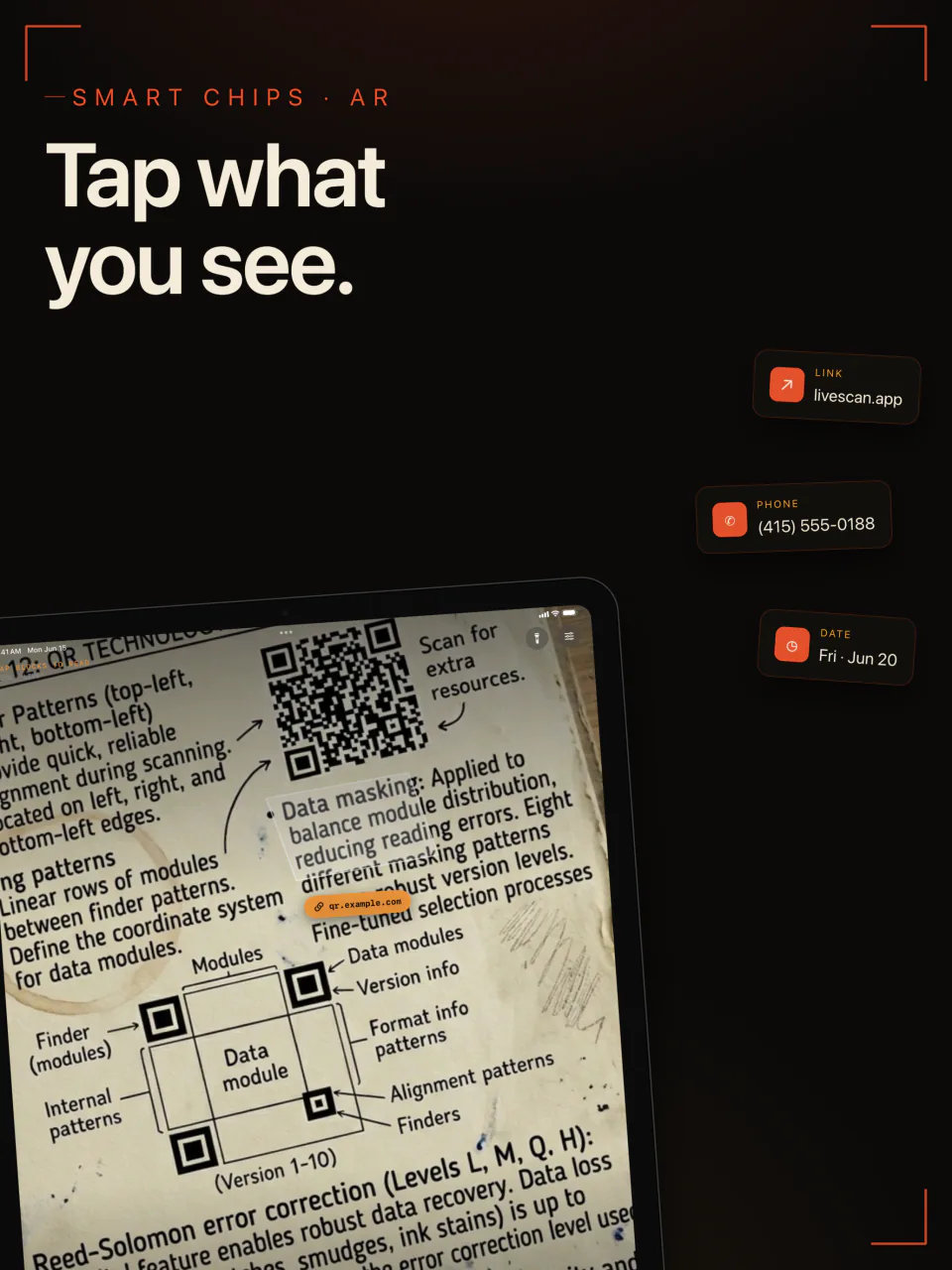
With Pro, the viewfinder reads QR codes and barcodes too, and shows what they contain right next to them.
One tap to call, mail, or open
With Pro, links, phone numbers, email addresses, street addresses, and dates in a scan become buttons.
Translate offline
With Pro, translate a scan on your iPhone. After a language is downloaded once, translation works with no connection, on a plane or abroad.
Real files out
With Pro, export a scan as a searchable PDF, Markdown that keeps its formatting, plain text, or a CSV table.
Free to read. Pro to do more.
Reading and copying text is free, in every language. LiveScan Pro adds codes, translation, exports, and unlimited history, as a monthly or yearly subscription or a single lifetime purchase.
- Live text in the viewfinder, tap to capture Free
- Copy captured text Free
- Scan text from your photos Free
- More than 15 languages, detected automatically Free
- History of your 10 most recent scans Free
- QR code and barcode scanning Pro
- Tap links, phone numbers, emails, and addresses Pro
- Offline translation Pro
- Export to searchable PDF, Markdown, text, and CSV Pro
- Unlimited scan history Pro
See it in action.
Aim, tap, and the text is yours to copy, translate, or export.
Frequently Asked Questions
How do I copy text from my iPhone camera?
Open LiveScan and point the camera at the text. It is highlighted live in the viewfinder. Tap to capture it, then tap Copy and paste it anywhere.
Is LiveScan free?
Reading text with the camera or from your photos, copying it, and recognizing more than 15 languages are free, and the free plan keeps your 10 most recent scans. LiveScan Pro adds QR code and barcode scanning, one-tap links and phone numbers, offline translation, exports, and unlimited history, as a monthly or yearly subscription or a single lifetime purchase.
Does LiveScan upload what I scan?
No. Text is recognized on your iPhone. LiveScan has no servers and no account, and it does not track you or show ads.
Can LiveScan scan QR codes and barcodes?
Yes, with LiveScan Pro. The viewfinder reads QR codes and barcodes alongside text and shows what each one contains, such as a link or a phone number, next to the code.
Can I turn a receipt into a spreadsheet?
Yes, with LiveScan Pro. Capture the receipt or a printed table and export it as CSV. LiveScan rebuilds the rows and columns so the file opens cleanly in Numbers, Excel, or Google Sheets.
Which languages can LiveScan read?
More than 15, including English, Spanish, French, German, Japanese, Korean, Chinese, and Arabic. LiveScan detects them automatically, all on the free plan, and you can pin specific languages for extra accuracy.
Can LiveScan translate without an internet connection?
Yes, with LiveScan Pro. Translation happens on your iPhone. The first time you use a language it is downloaded once, and after that it works offline.
Which devices does LiveScan run on?
iPhone and iPad with iOS 18 or later.
Point. Tap. Copied.
Text from the world around you, read on your own iPhone, free to start.
Requires iOS 18.0+