Local Image Generation on Mac & iOS.
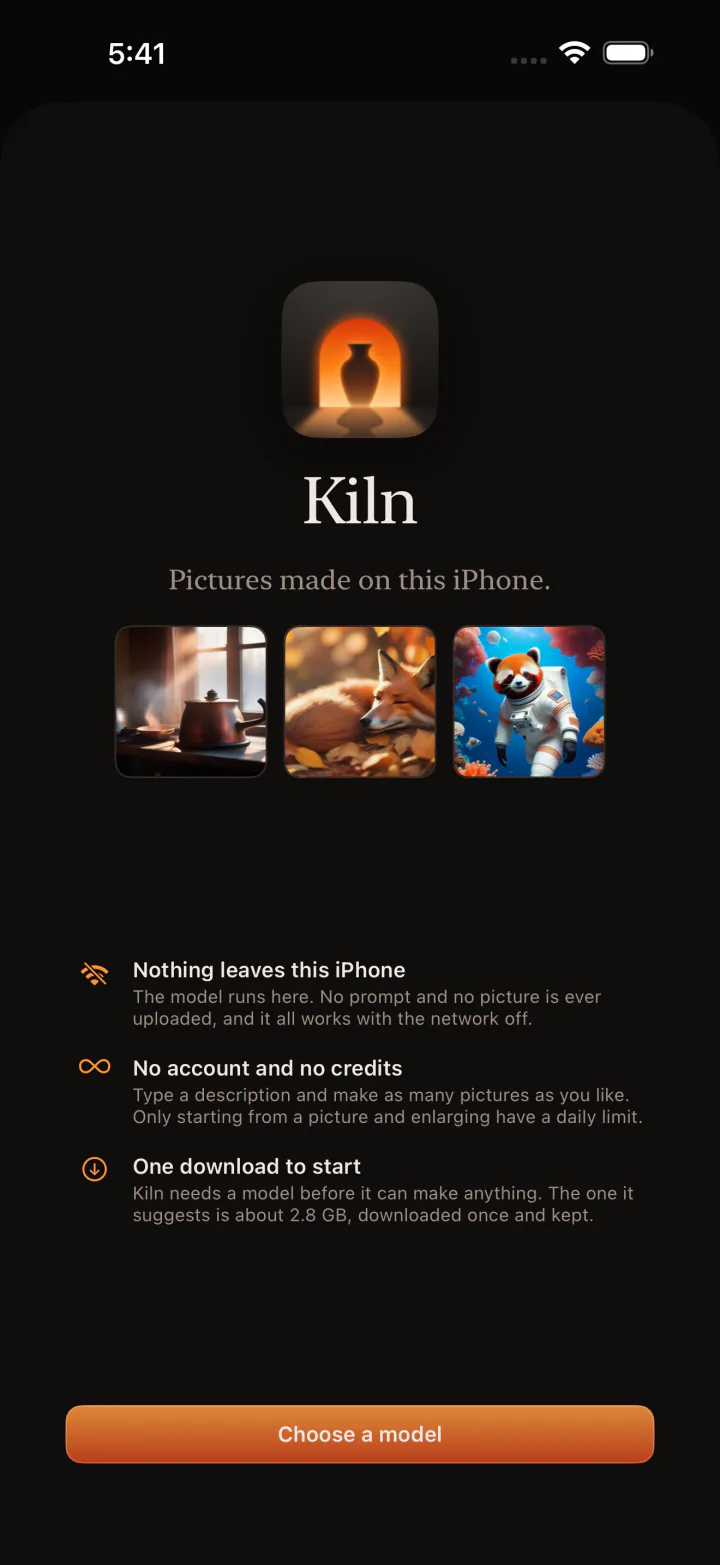
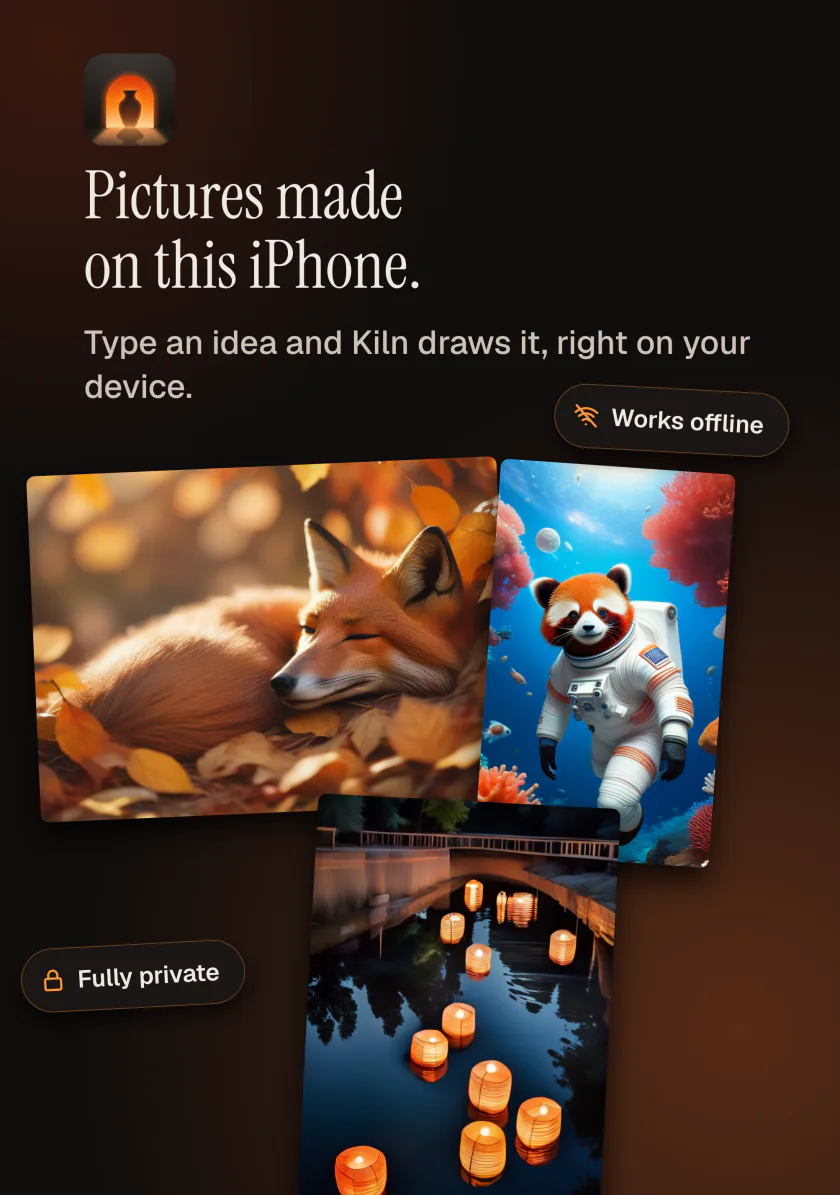
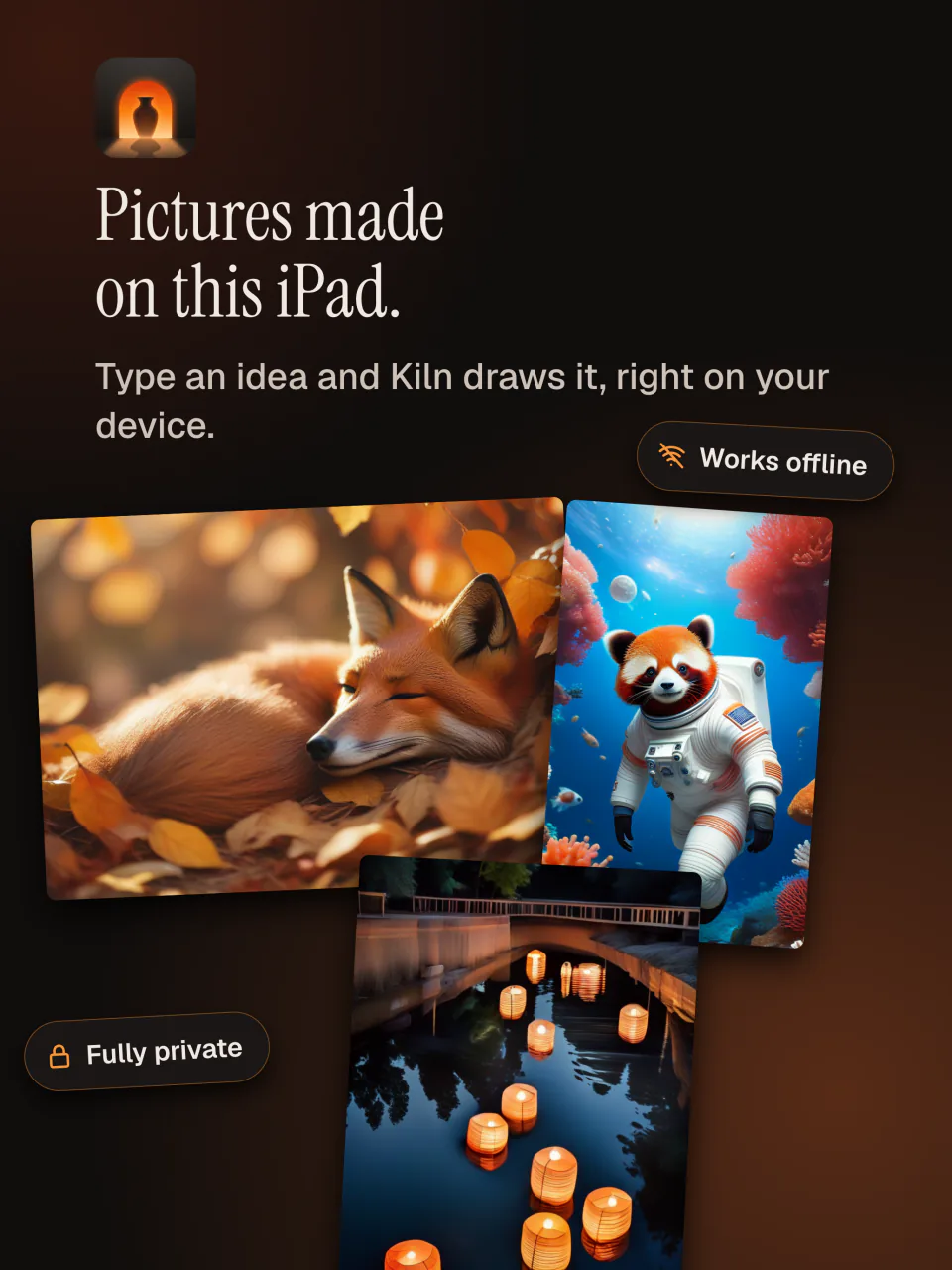
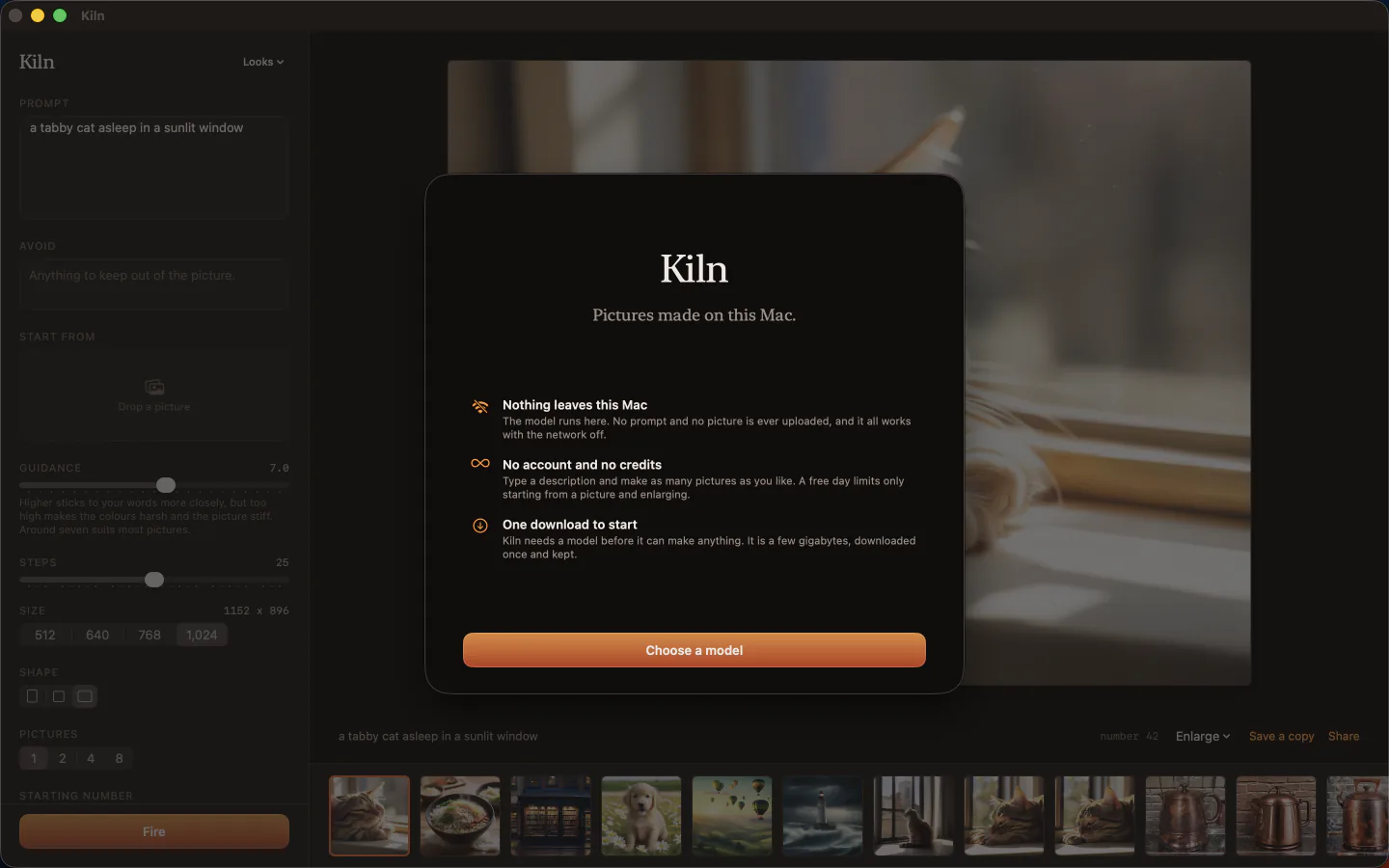
Every model runs on your device through Apple Silicon. No prompt and no image ever leaves your hardware.
Free to start · iOS 17+ · macOS 14+ (Apple Silicon)
Designed for privacy and speed.
Private by construction
Your prompts, starting images, and finished creations never touch a remote server. Every picture is made on your own device, so your creative work remains strictly confidential.
Completely offline generation
After downloading the models you want, Kiln requires no internet access. Generate imagery on a flight, at a remote cabin, or in a studio with no network at all.
Engineered for Apple Silicon
Kiln checks your device when it opens, says on every model whether it will run there, and starts each one at a size your device can hold.
Anything you can put into words.
No credits to ration and no waiting on someone else’s server, so trying an idea ten ways costs nothing. These are the jobs people open Kiln to do.
Concept art and mood boards
Try an idea many ways. One press of Fire makes up to eight pictures, each one different.
Pictures for posts and slides
Make a picture for a blog post, a newsletter, or a presentation instead of hunting through stock photos.
A photo, reimagined
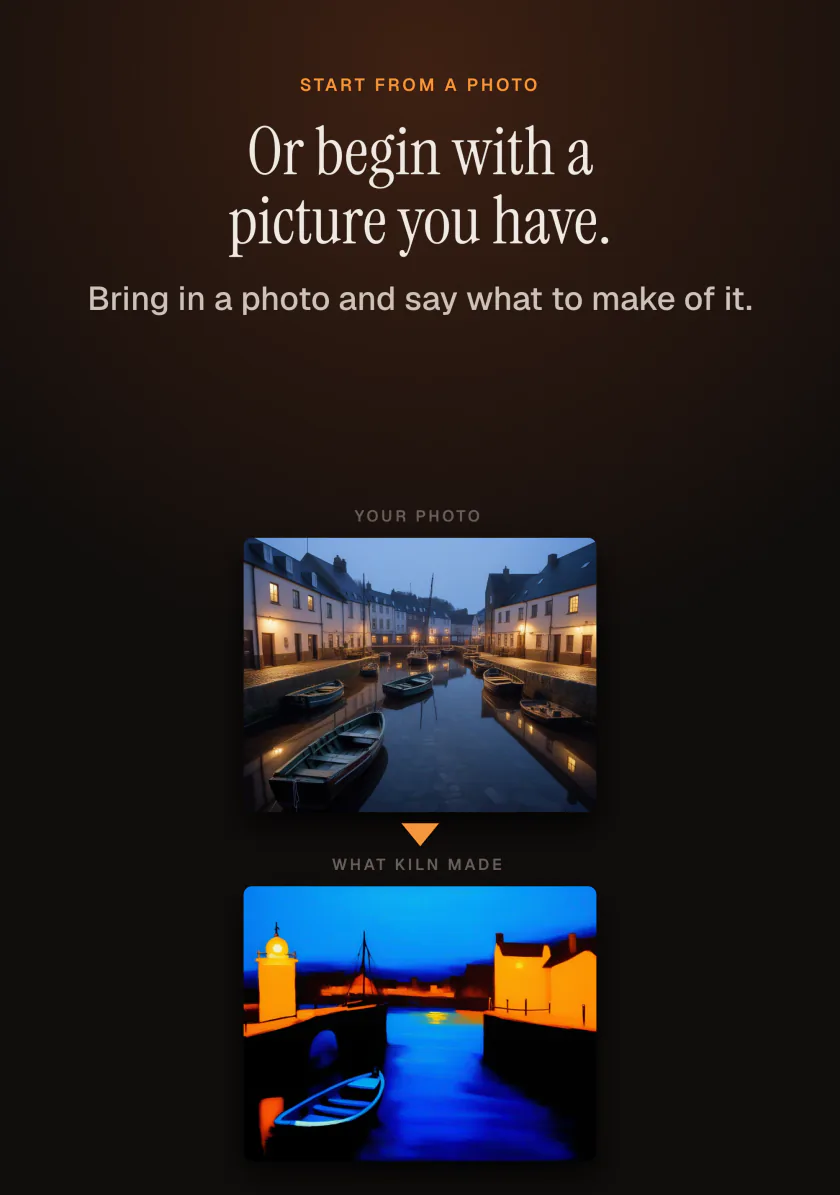
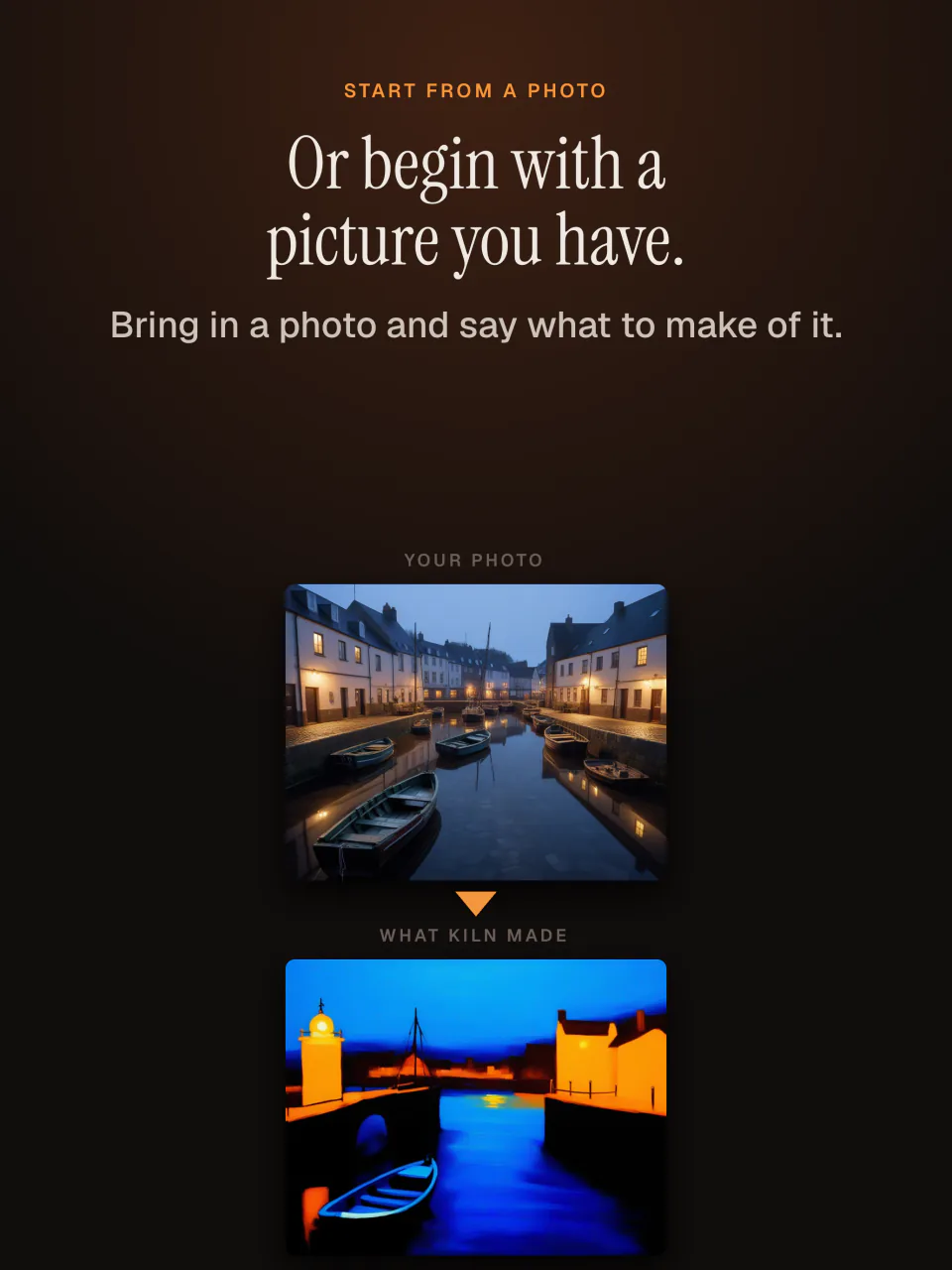
Start from a photo you took and turn it into a painting, a sketch, or another season, choosing how far it moves from the original.
Wallpapers
Make tall pictures for a phone and wide ones for a desktop, then enlarge them so they stay sharp.
Learning what each setting does
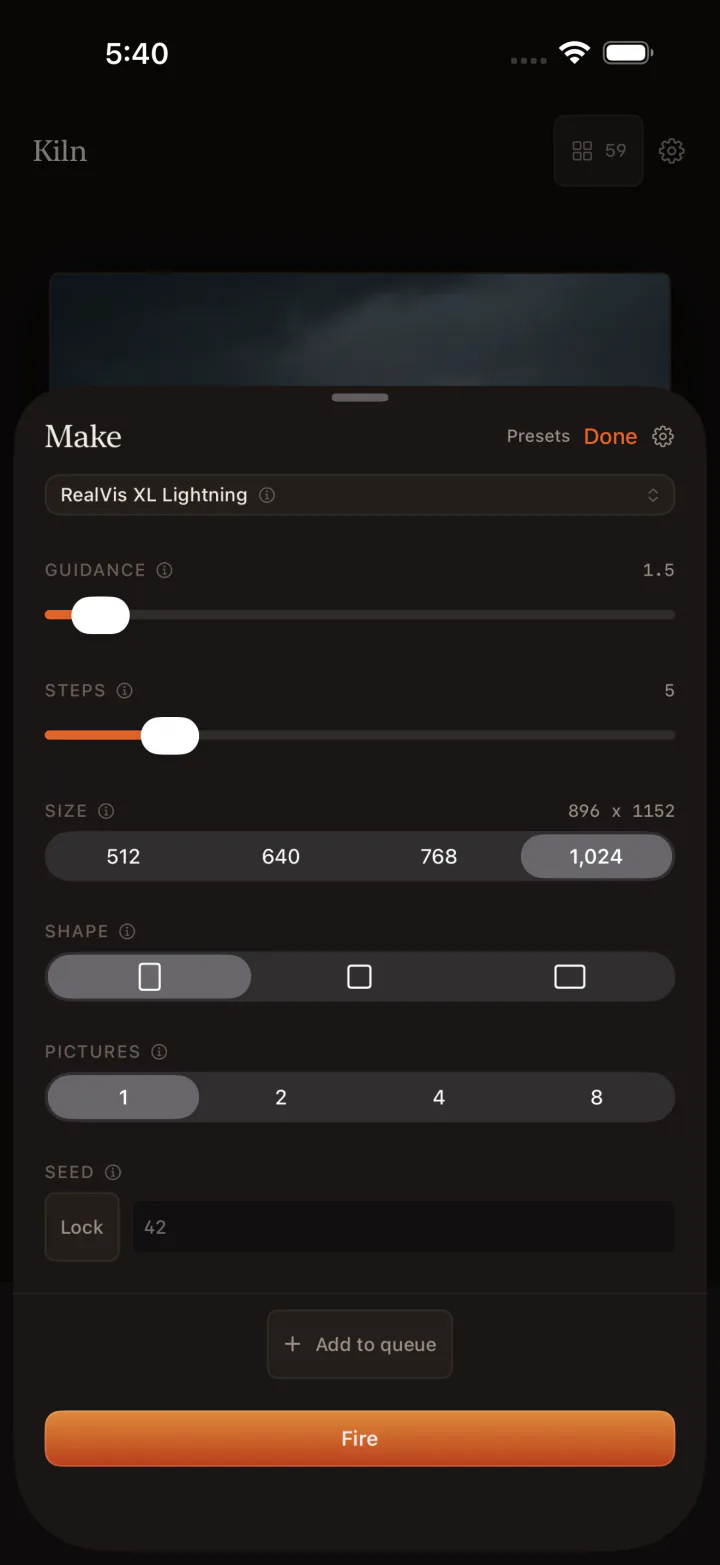
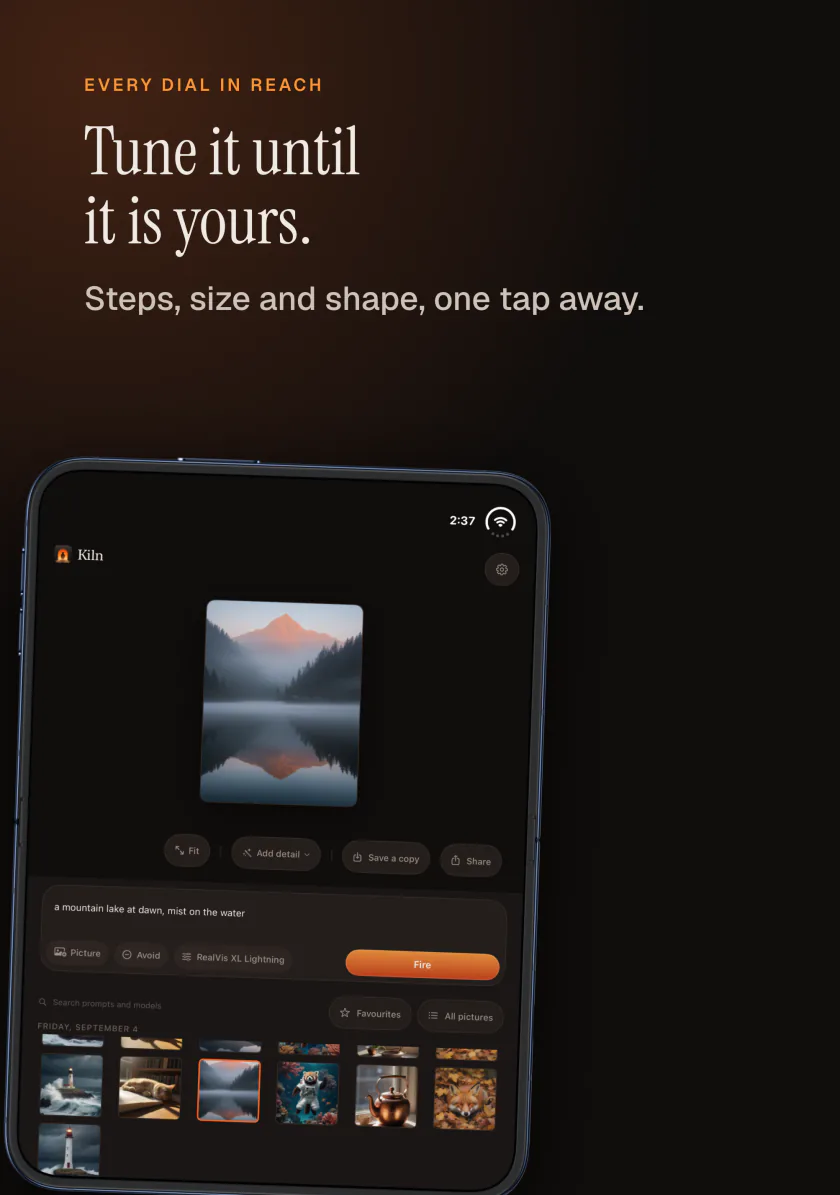
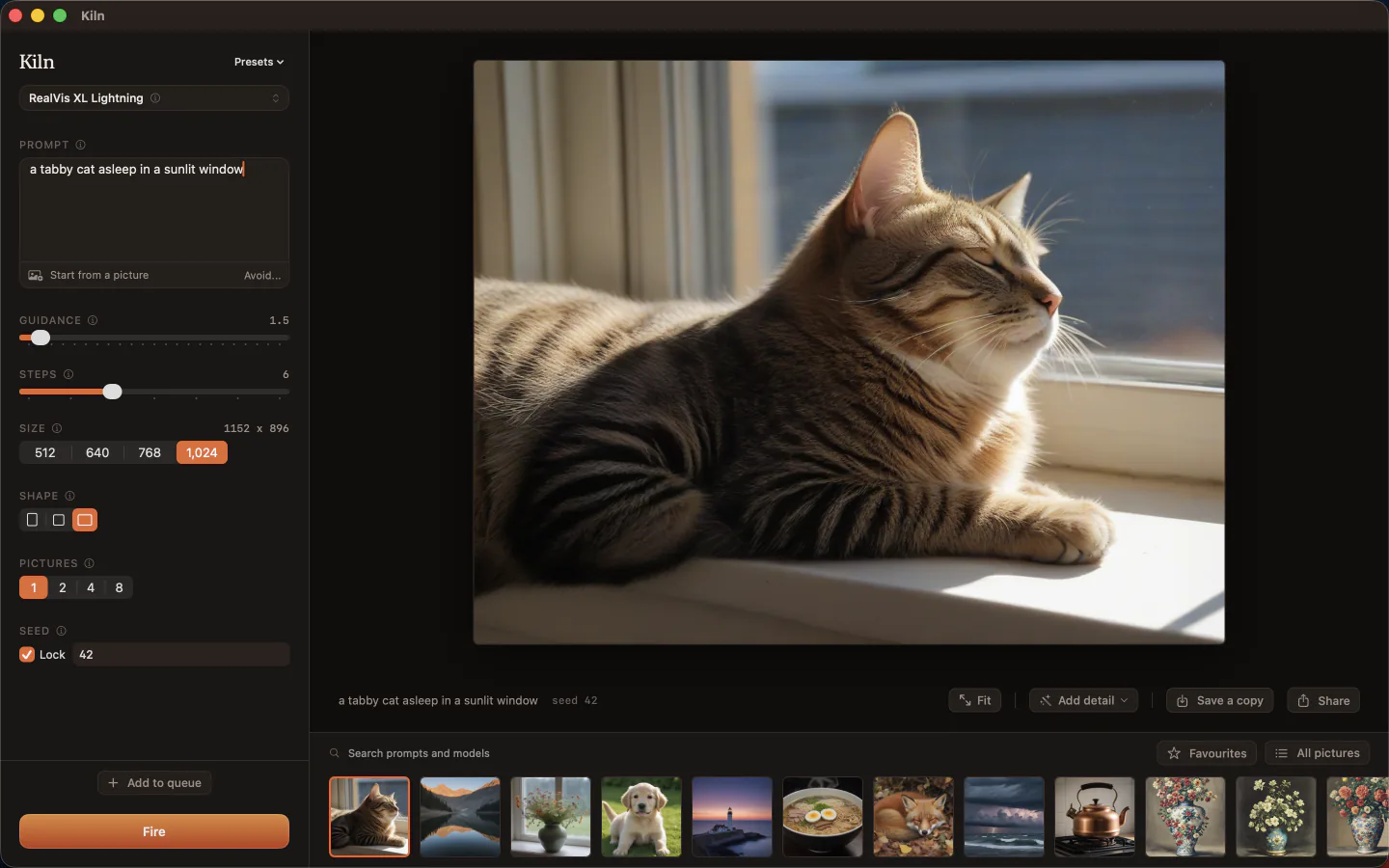
Lock the seed, change one setting, and compare the two pictures side by side to see exactly what that setting did.
Ideas you would rather keep private
Client work, personal photos, and early drafts never leave your device, so there is no service that could see or keep them.
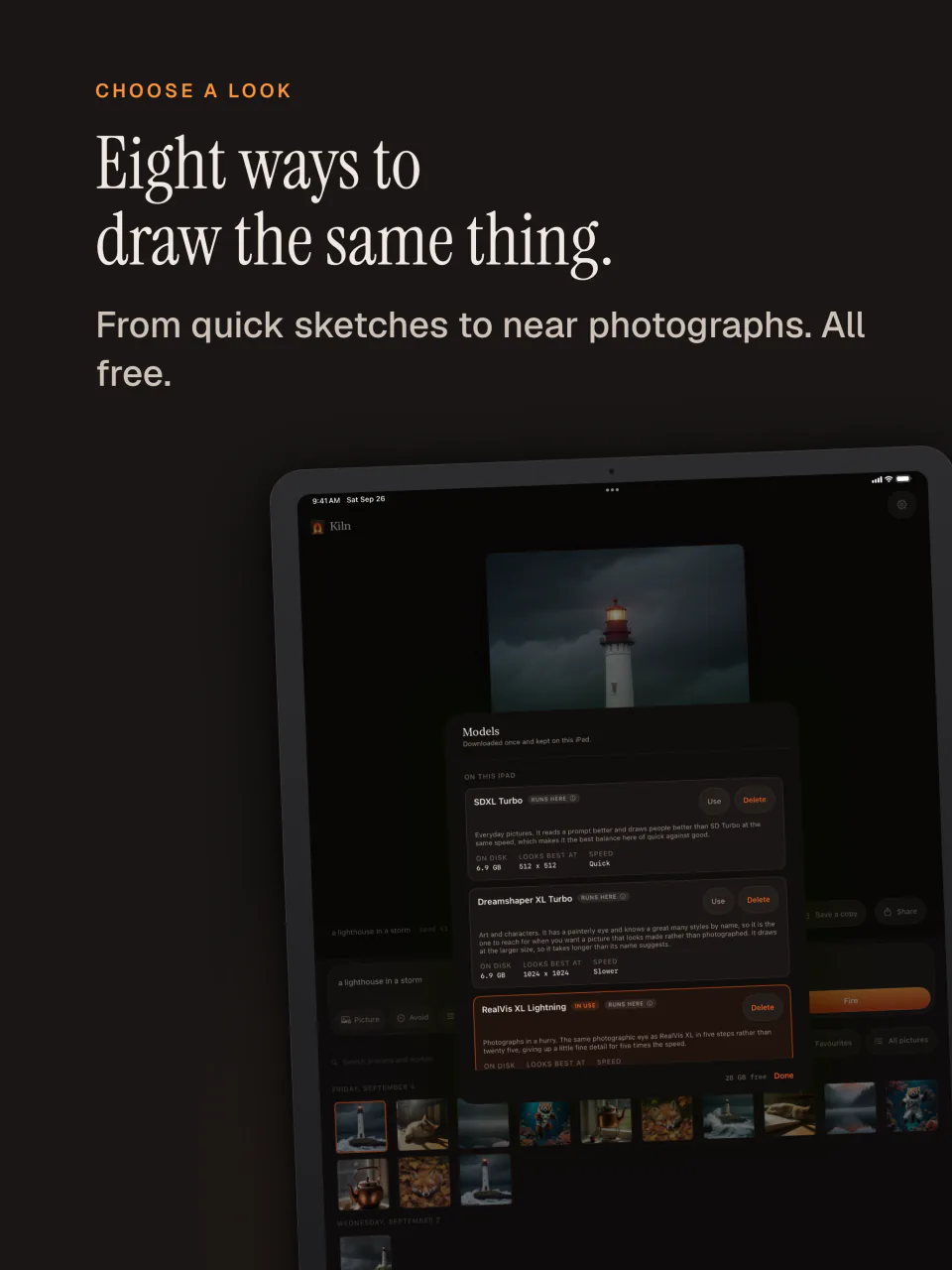
Eight open models, completely free.
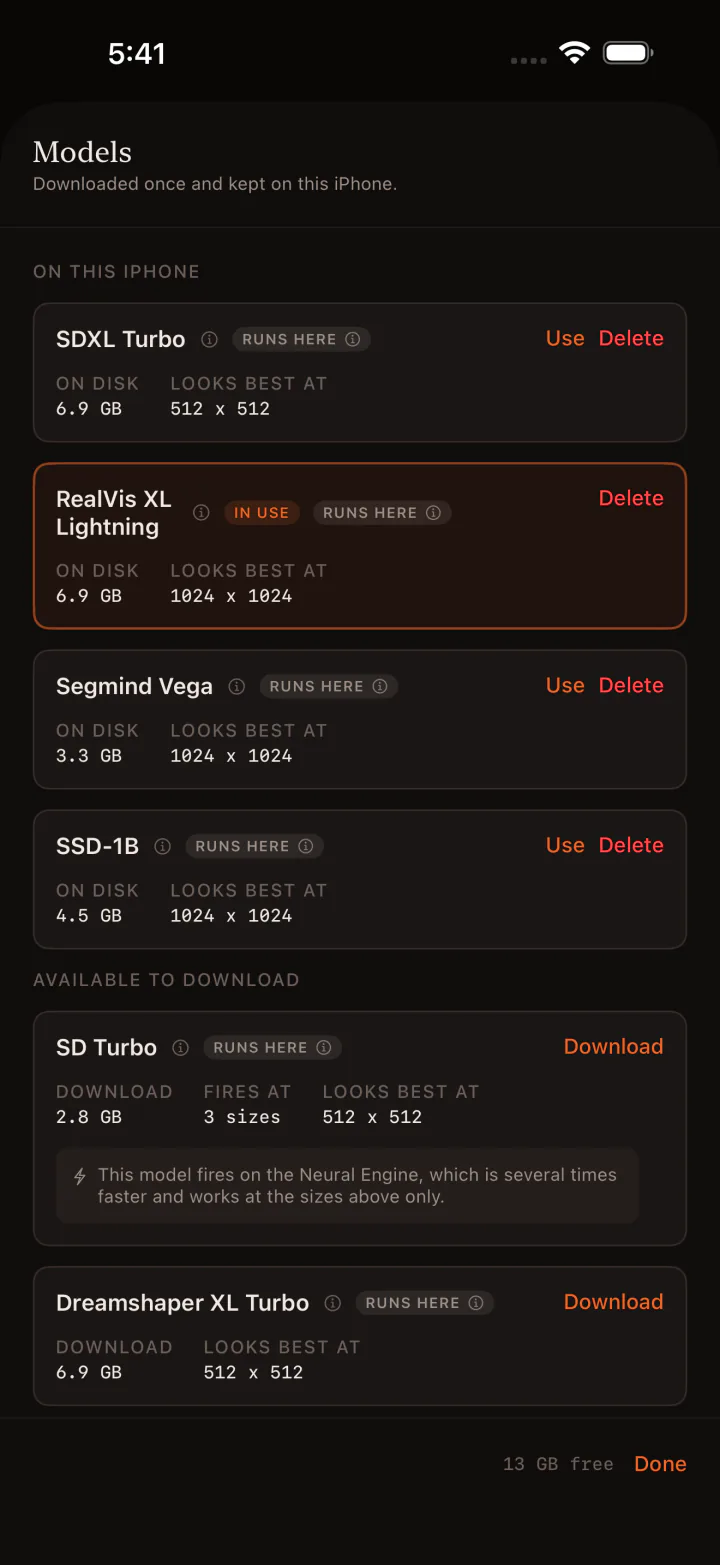
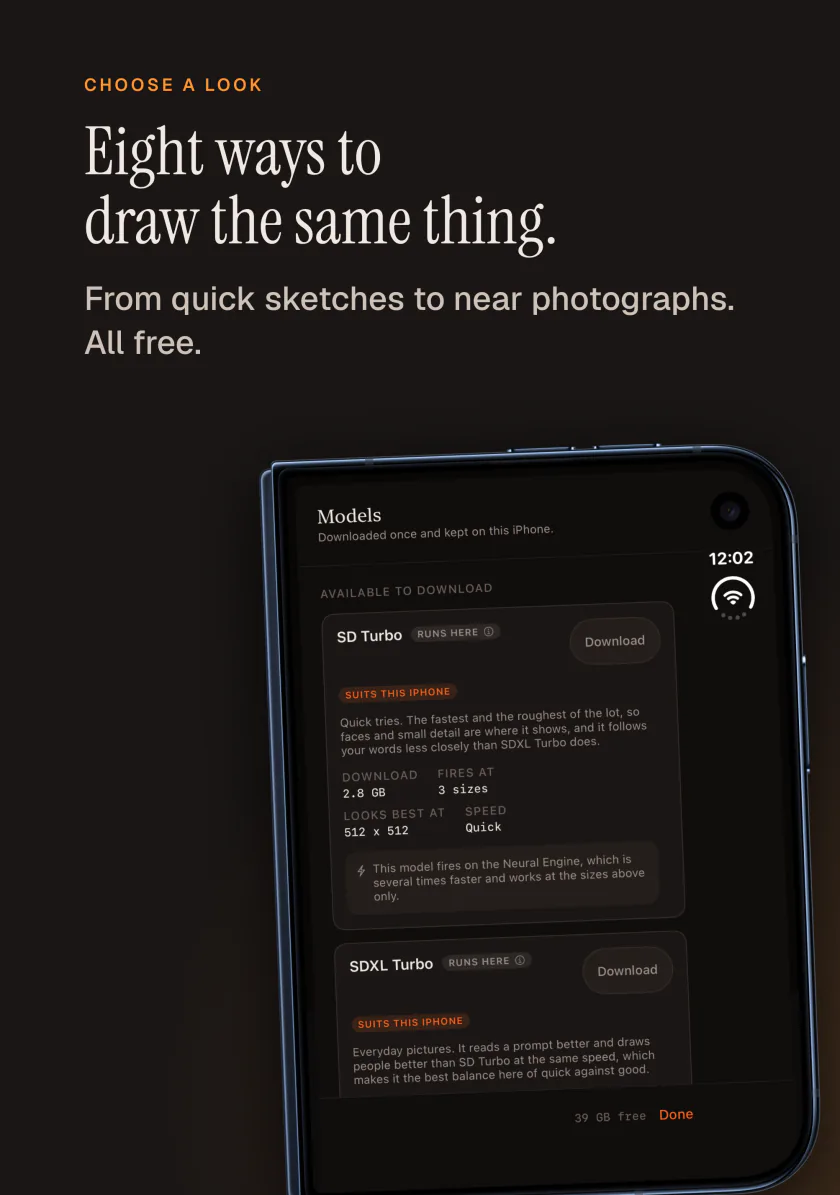
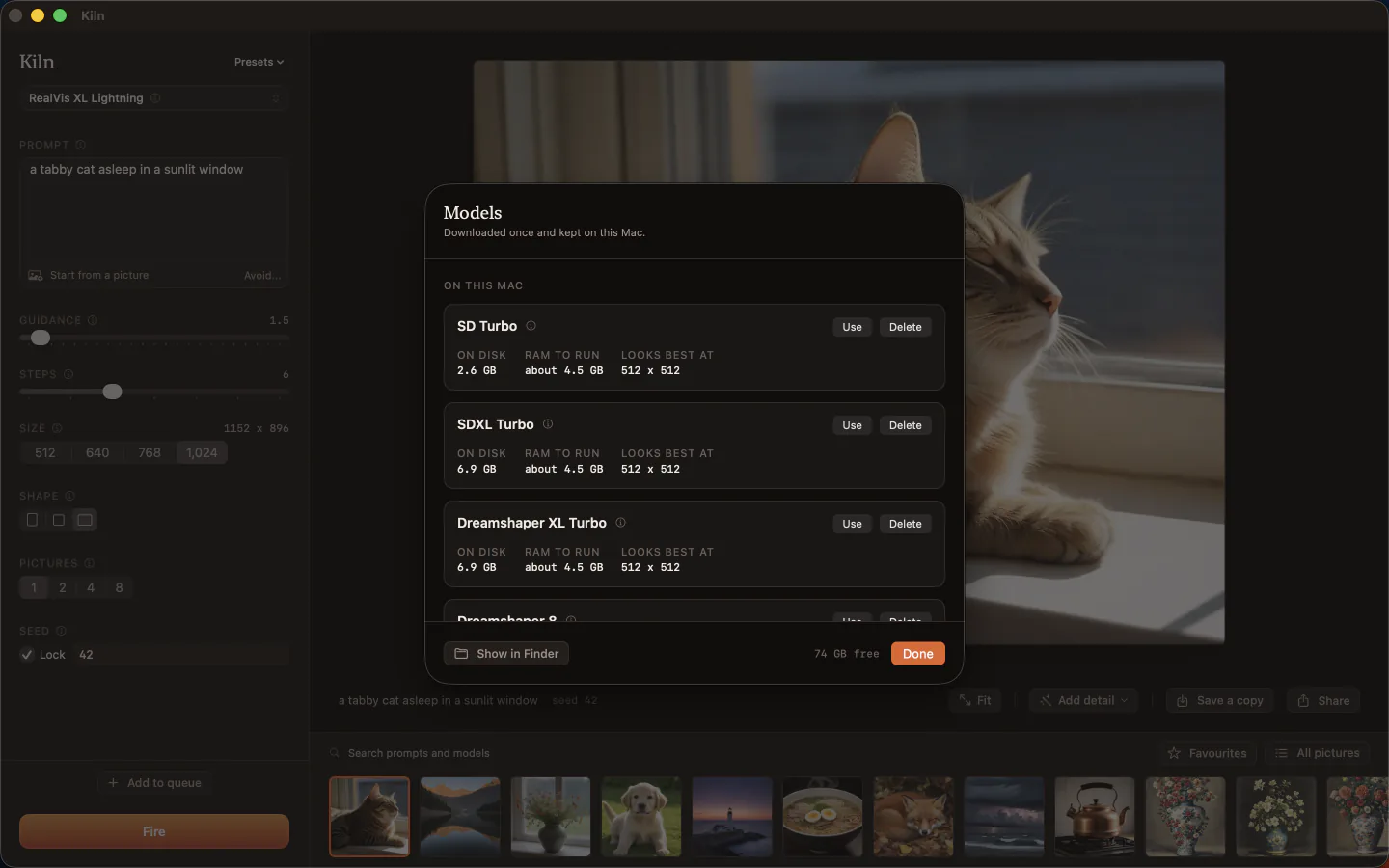
Models are downloaded on demand and stored on your device, and you can delete any of them to get the space back.
SD Turbo
512 pxQuick pictures in 4 steps
SDXL Turbo
512 pxFastest, in just 2 steps
Dreamshaper 8
512 pxRich illustration and style
RealVis XL Lightning
1024 pxHigh resolution photorealism
Everything needed to create and refine.
Text to image and image to image
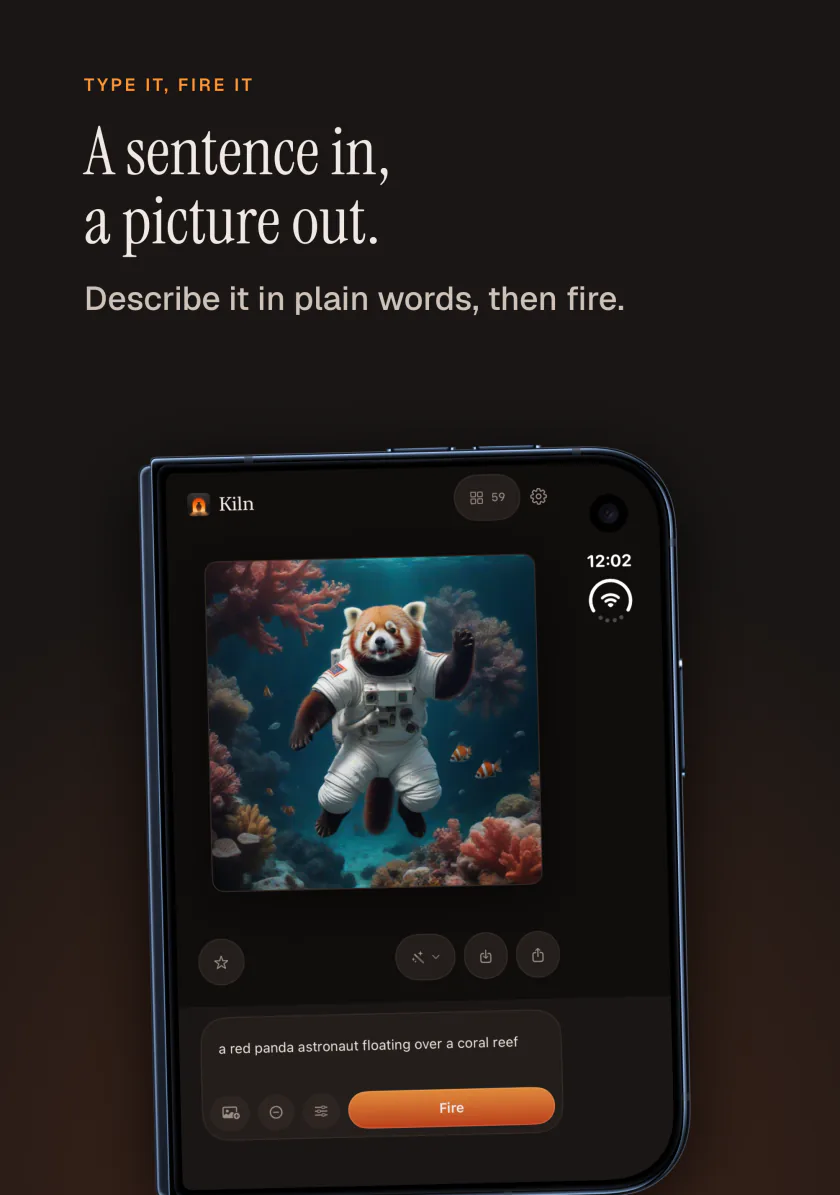
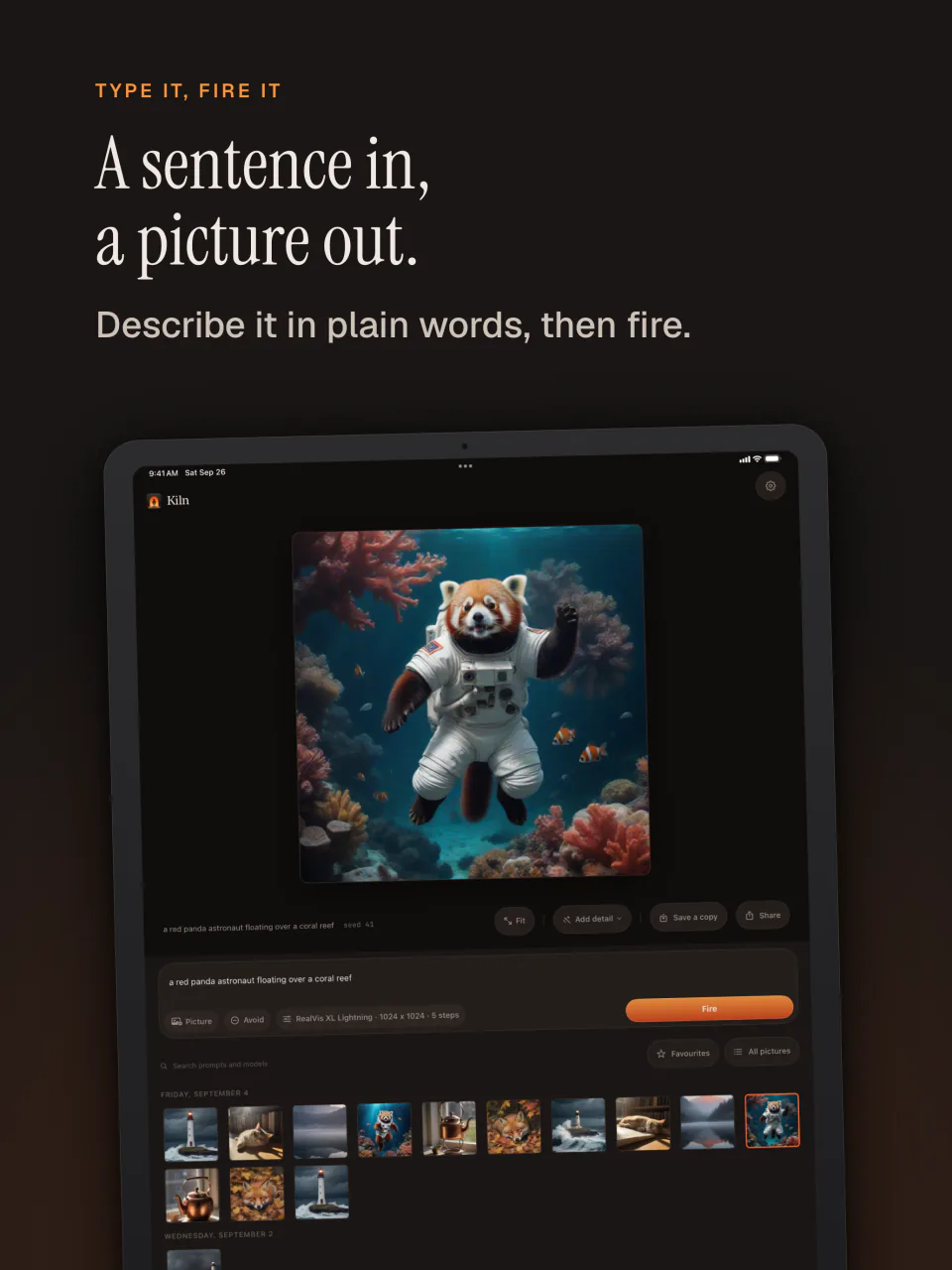
Type a prompt to create from nothing, or drop any existing image onto the canvas to transform it with adjustable strength.
Enlarge twice or four times
Make a finished picture twice as big for free, or four times as big with Kiln Pro, which turns a 1024 pixel picture into a 4096 pixel one.
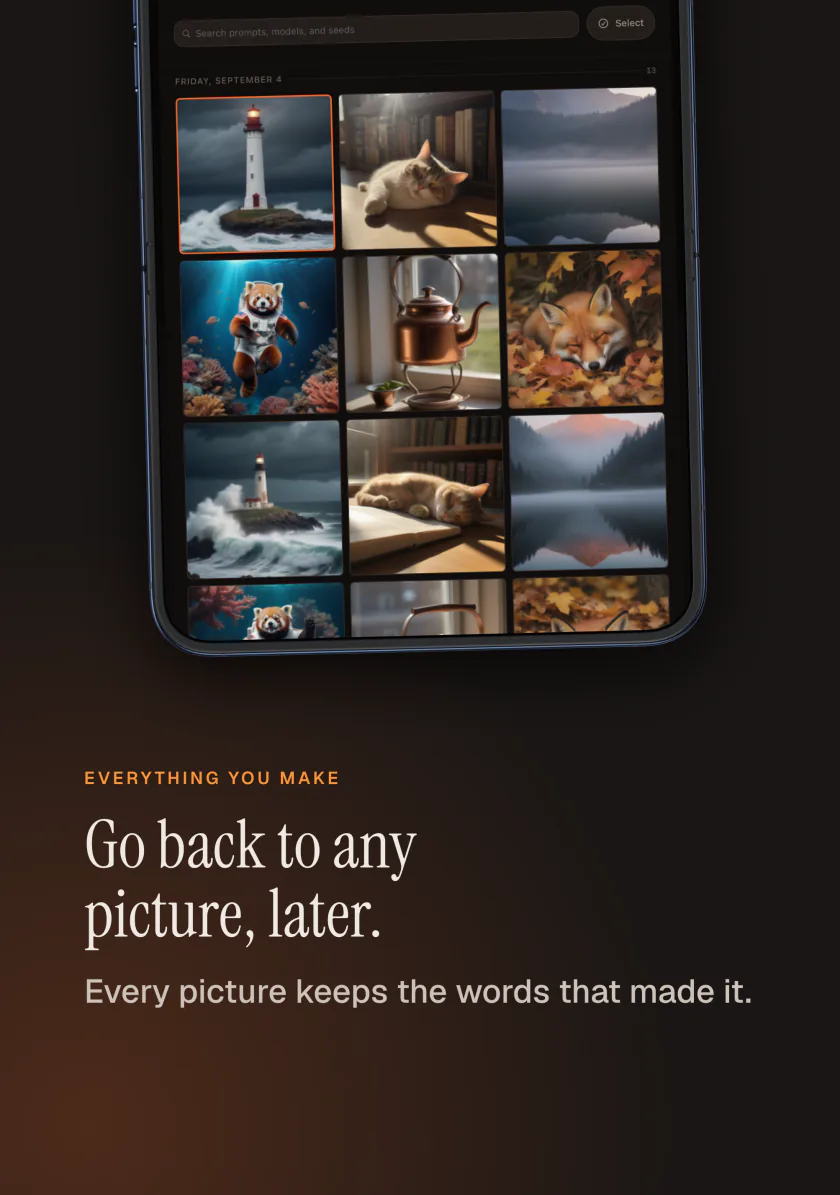
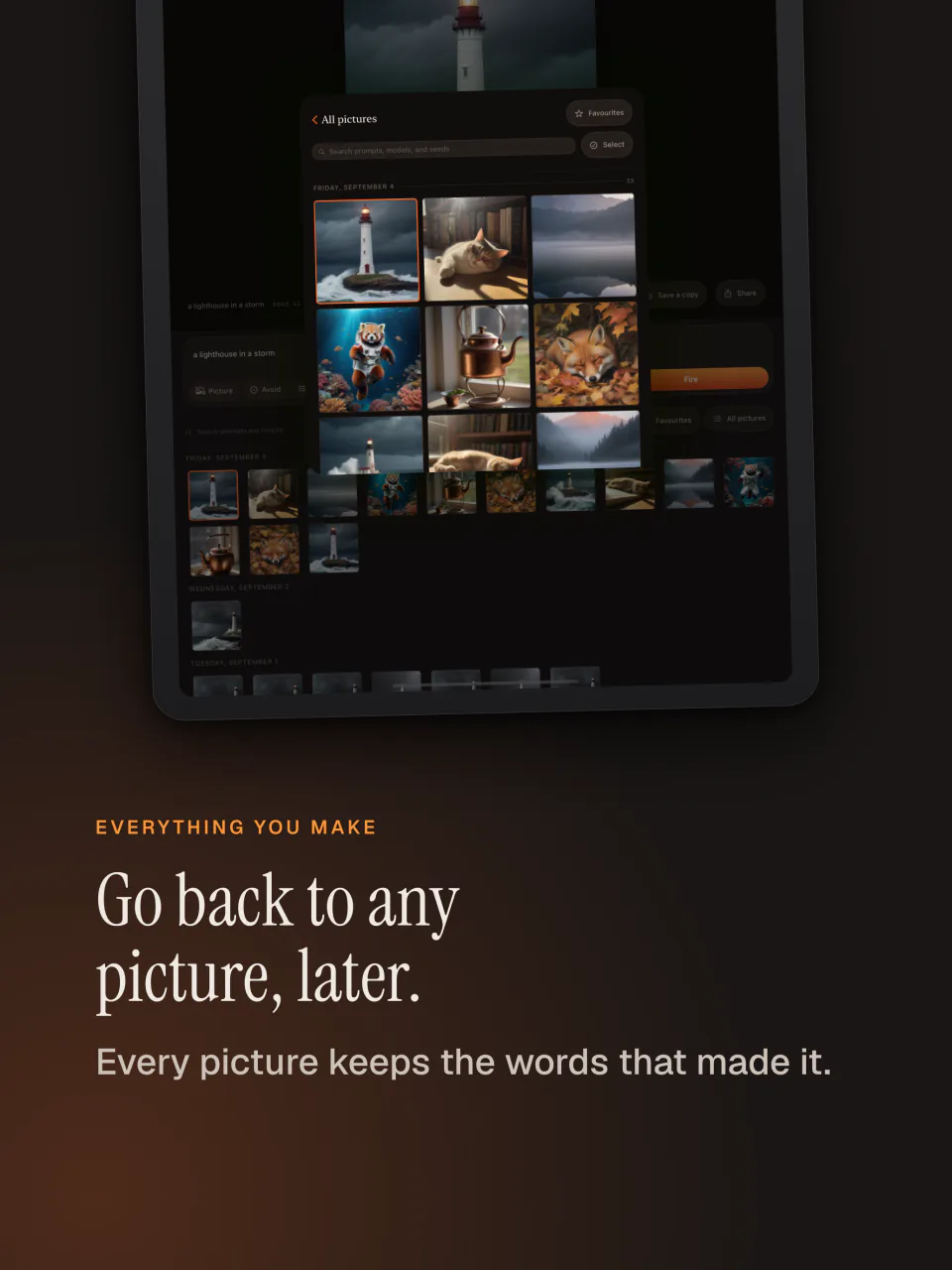
Every picture remembers its settings
Prompt, seed, model, and step counts are recorded into every exported PNG. Drag an exported file back onto Kiln to restore every dial instantly.
Interactive compare divider
Inspect enlarged details or compare two different seed runs side by side with a smooth split-canvas comparison slider.
Custom presets and fixed seeds
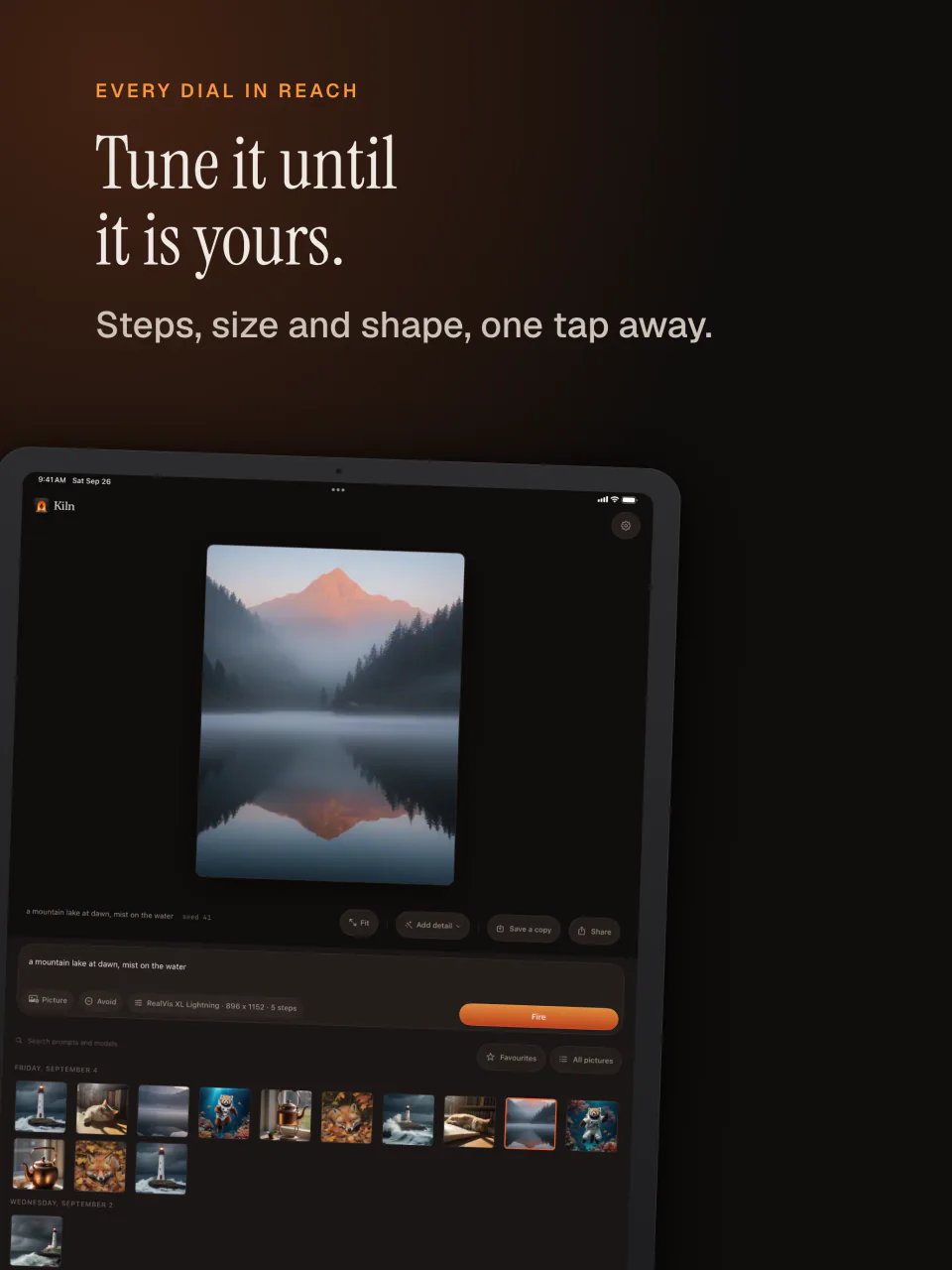
Save favorite dial combinations as named presets and lock numerical seeds to isolate and refine individual prompt changes.
Curated model library
Choose from 8 distinct models. Download and delete them on demand to keep total control over the storage on your device.
Pictures are never counted.
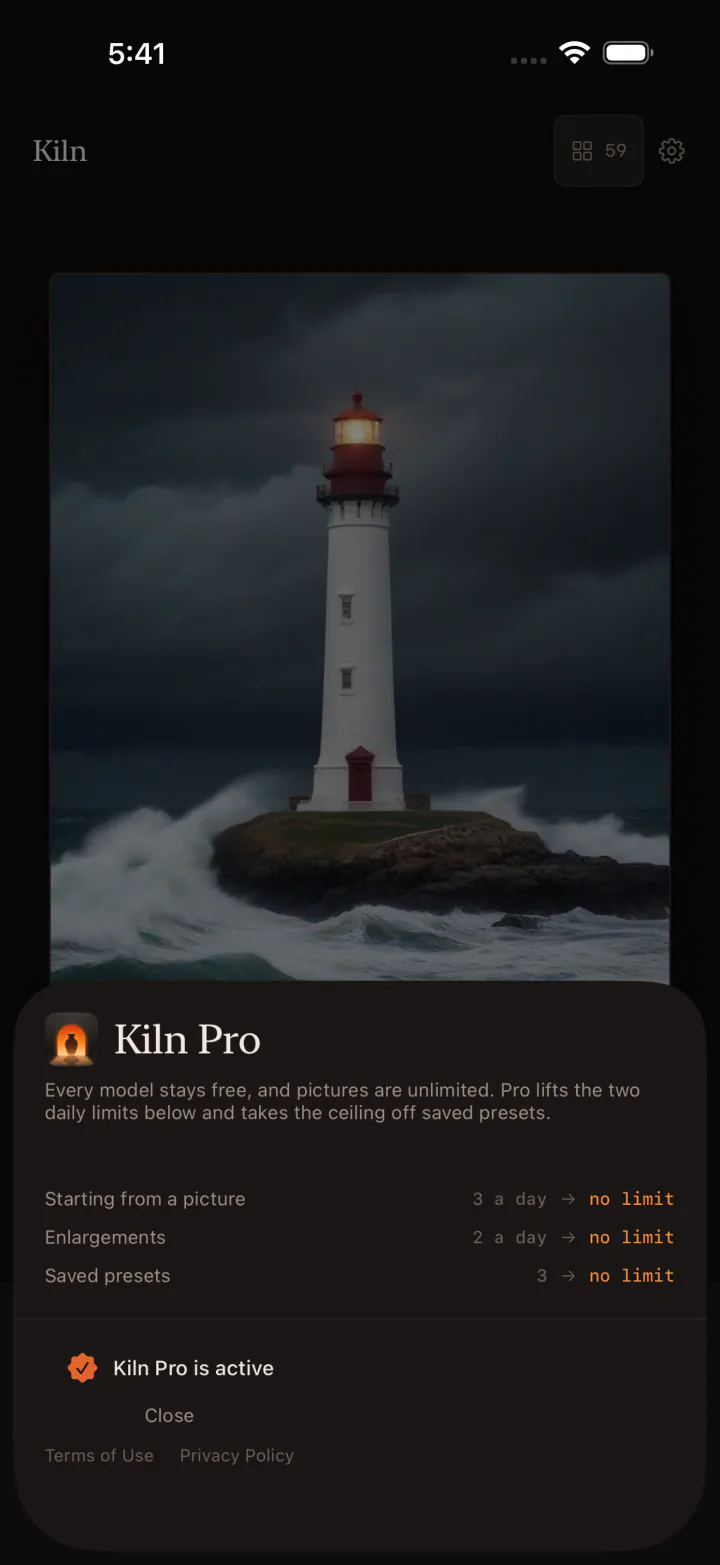
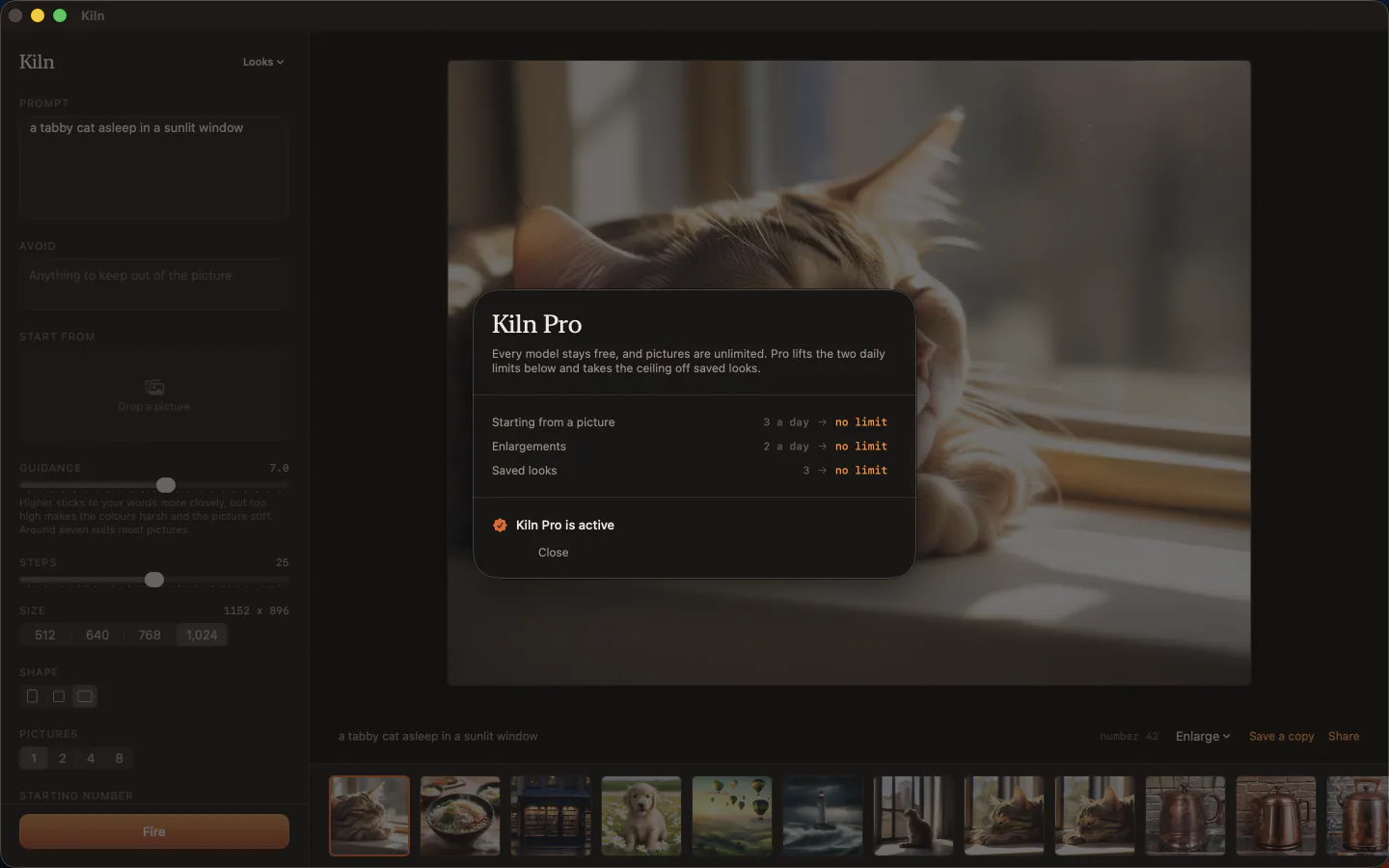
Making pictures and every model are free, with no counter beside the button. Kiln Pro lifts the one daily limit and adds tools for working in volume, as a monthly or yearly subscription or a one-time purchase.
- Unlimited pictures from a description Free
- All eight models Free
- Starting from a picture, five times a day Free
- Enlarging twice Free
- Runs of up to eight, a locked seed, and compare Free
- Three saved presets Free
- Starting from a picture as often as you like Pro
- Enlarging four times Pro
- The queue, including a run across a range of one setting Pro
- Exporting a whole selection at once, with a contact sheet Pro
- Unlimited saved presets Pro
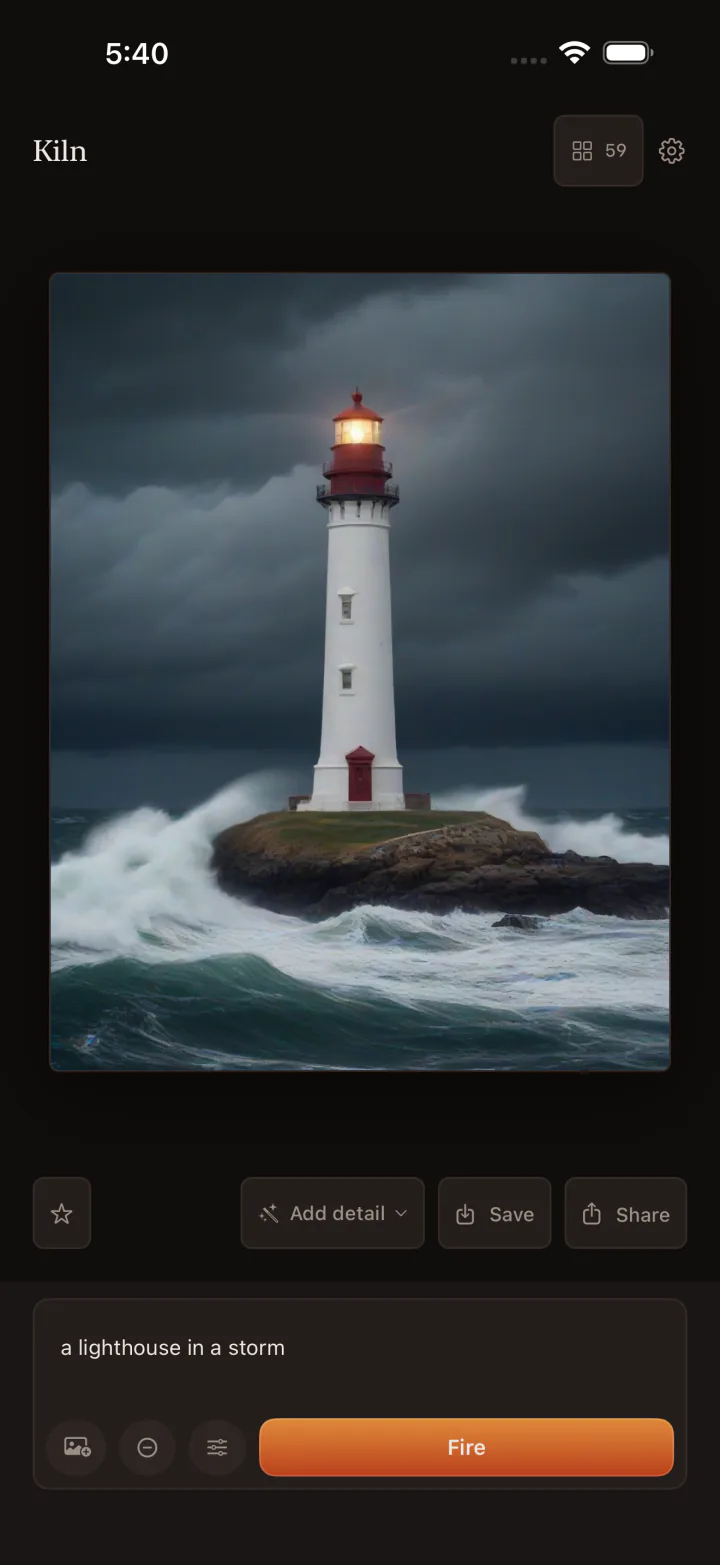
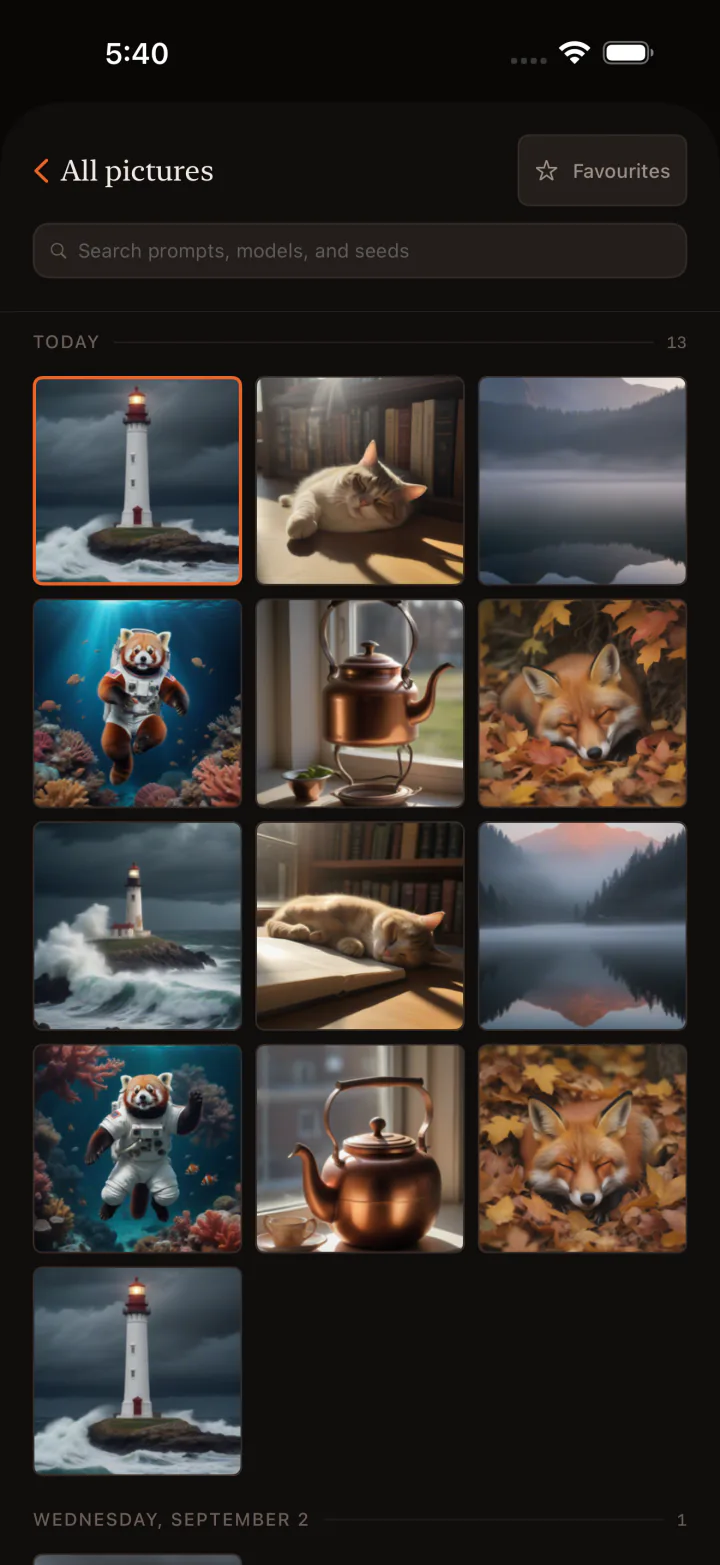
See it in action.
A focused, tactile workspace running 100% on-device across iPhone and Mac.
Frequently Asked Questions
Does Kiln charge subscription fees for making images?
No. Making pictures is free and unlimited, and all eight models are free. The one thing counted is starting from a picture you already have, five times a day. Kiln Pro lifts that limit and adds the queue, enlarging four times, exporting a whole selection at once, and unlimited presets, as a monthly or yearly subscription or a one-time purchase.
Does Kiln upload my prompts or pictures to any cloud server?
Never. Kiln runs 100% on-device on Apple Silicon. No network requests are made during generation, ensuring complete privacy.
What are the hardware requirements for Kiln?
Kiln requires a Mac with Apple Silicon (M1, M2, M3, M4 or later) running macOS 14.0 or newer, or an iPhone / iPad running iOS 17.0 or newer. Fast models run on 8GB of memory, while the 1024px models run best on 16GB or more.
How does Kiln enlarge images four times over?
Kiln enlarges a picture on your device, working through it piece by piece, so a large result does not need more memory than your device has.
Can I restore settings from a previously generated image?
Yes. Every exported PNG stores its prompt, seed, model, and dials inside the file. Dragging the picture onto Kiln restores all parameters immediately.
Does Kiln work without an internet connection?
Yes. Kiln only uses the network to download a model you asked for. Once a model is on your device, making and enlarging pictures works on a plane, in a tunnel, or anywhere else you are offline.
Can I start from a photo I already have?
Yes. Choose a picture, describe what you want, and set how far Kiln should take it from the original. Every model can start from a picture. Without Pro you can do this five times a day.
Does Kiln work on iPhone Duo?
Yes. Kiln works on iPhone Duo folded or open, and uses the larger inner screen when you unfold it.
Start creating on your device.
Unlimited text to image generation with zero subscription to start. Runs locally on Apple Silicon for Mac & iOS.
Requires iOS 17.0+ or macOS 14.0+ (Apple Silicon)